

Administrators and roles
SFTPPlus MFT keeps administrators separate from file transfer users. This separation protects both types of account: administrators cannot use file transfer services, while file transfer users cannot access administration services.
Separate administration from file transfers
Administrator accounts are used to configure, monitor, and operate SFTPPlus through Web Manager or the command-line administration tools. They do not provide access to SFTP, FTPS, HTTPS file transfer, or other file transfer services.
File transfer users have the opposite scope. They can connect to the services and files allowed by their group, but their credentials cannot be used to manage SFTPPlus.
Keeping these identities separate reduces the impact of compromised credentials and supports a clear separation of duties.
Choose where administrator identities are managed
Administrators can be configured directly in SFTPPlus or authenticated through an existing identity source, including:
- LDAP and Microsoft Active Directory
- Microsoft Entra ID and other OpenID Connect providers
- Accounts from the operating system
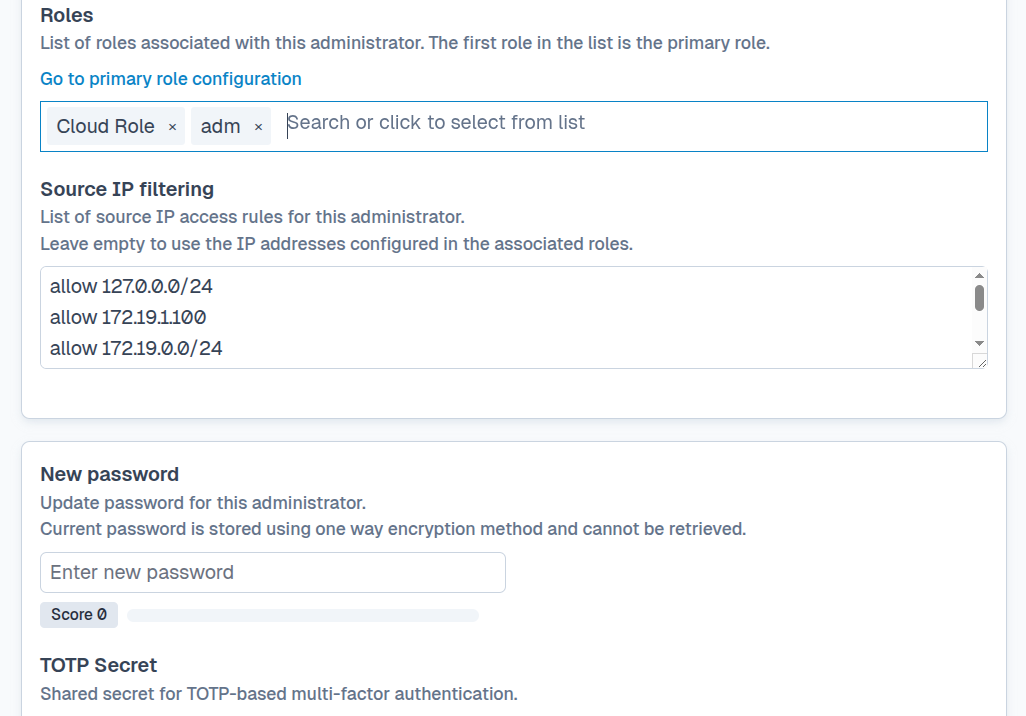
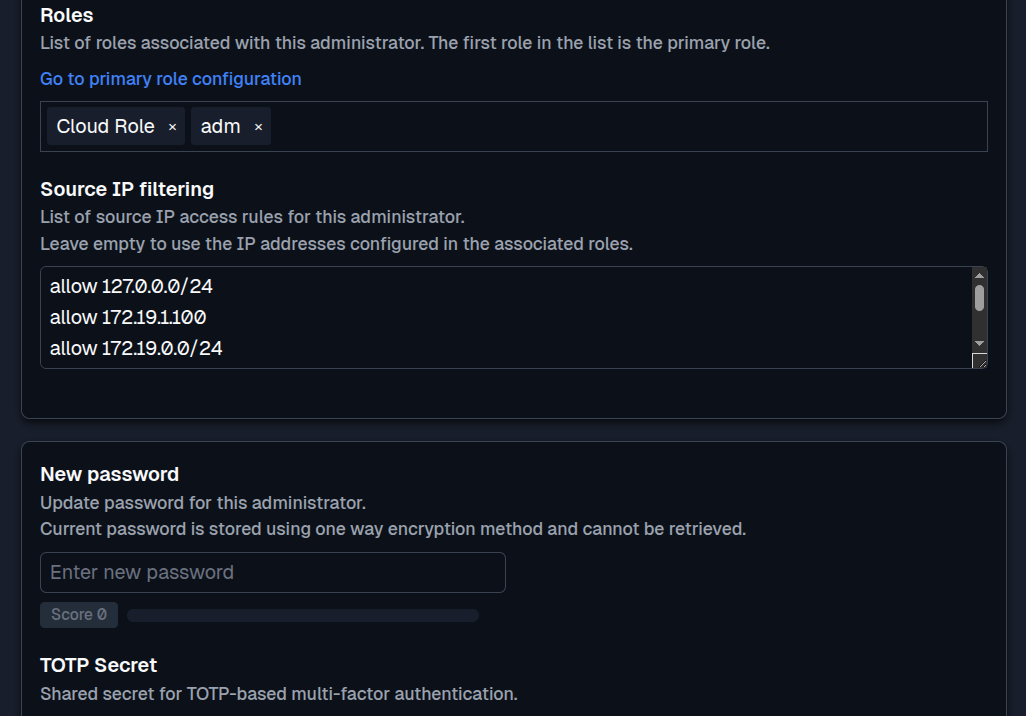
An administrator managed in SFTPPlus has an individual name and password, can use multi-factor authentication (MFA), and is assigned one or more roles. Using a separate account for each person makes their changes and operational actions easier to identify in the audit log.
Control access with roles
Roles define which parts of SFTPPlus an administrator can view or change. Permissions can allow read-only access or management access to specific configuration and operation targets.
For example, a transfer operator can be allowed to monitor the whole system while only changing automated transfers. A user operator can be allowed to manage file transfer accounts without changing services, locations, or other sensitive settings.
An administrator can belong to multiple roles. SFTPPlus combines the permissions from those roles, allowing responsibilities to be assembled without creating a separate role for every administrator.
The following configuration assigns both a transfer role and a user management role to John Admin:
[roles/21951ed4-c281]
name = Transfers Operator
permissions =
  /operation/*, read
  /configuration/transfers/*, all
  /operation/transfers/*, all

[roles/94a9caefd093-4677]
name = Users Operator
permissions =
  /operation/*, read
  /configuration/*, read
  /configuration/accounts/*, all

[administrator/dca95a60-dca2]
name = John Admin
roles = 21951ed4-c281, 94a9caefd093-4677
John Admin can monitor operations, manage automated transfers, and manage file transfer accounts. Other configuration remains read-only.
See the administrator identity and access management documentation for the available permission targets, role ordering, deny rules, and more configuration examples.