

Web Manager
SFTPPlus Web Manager is an embedded browser-based console for configuring, monitoring, and operating SFTPPlus. It is included with every installation and does not require an external web server or database.
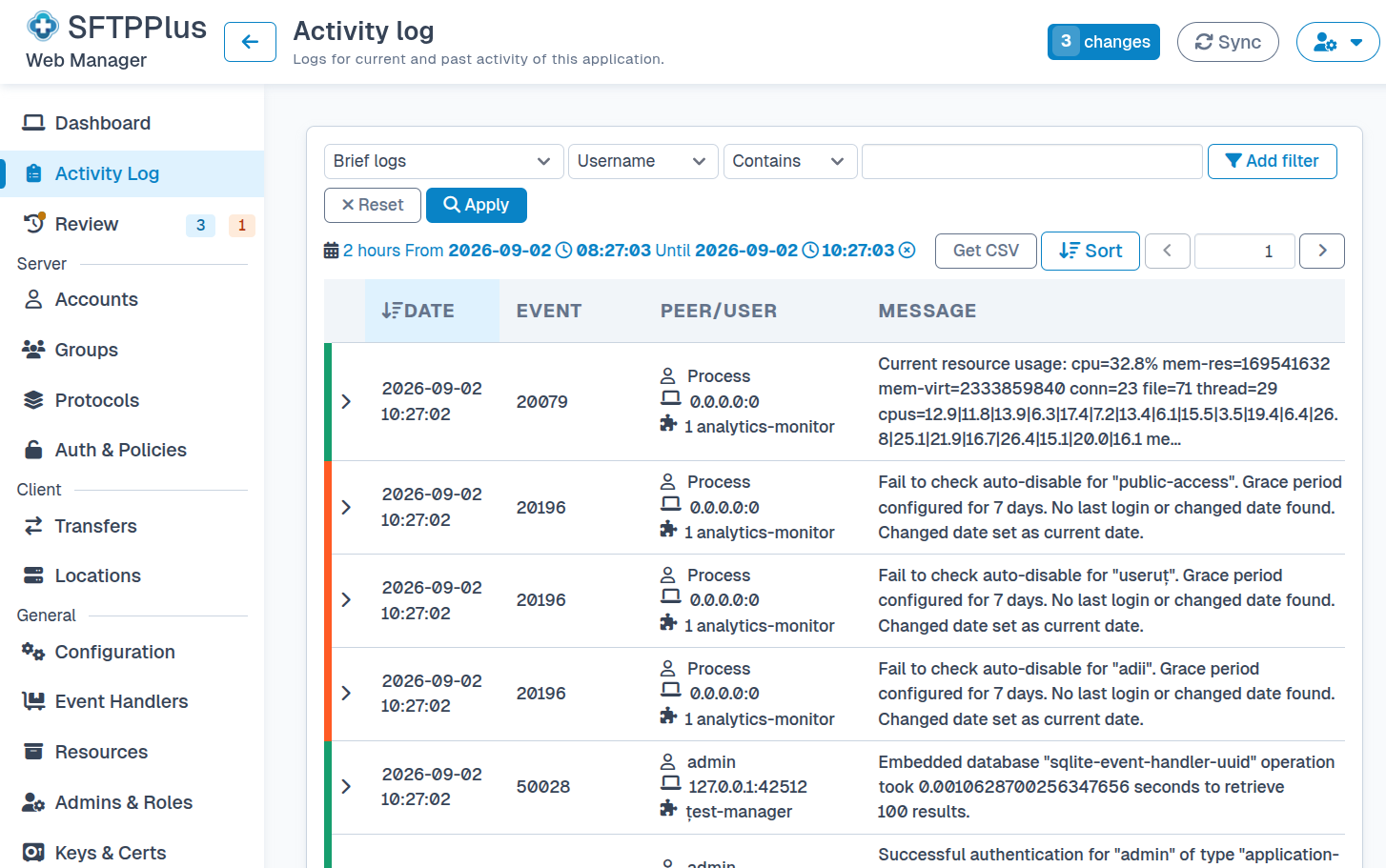
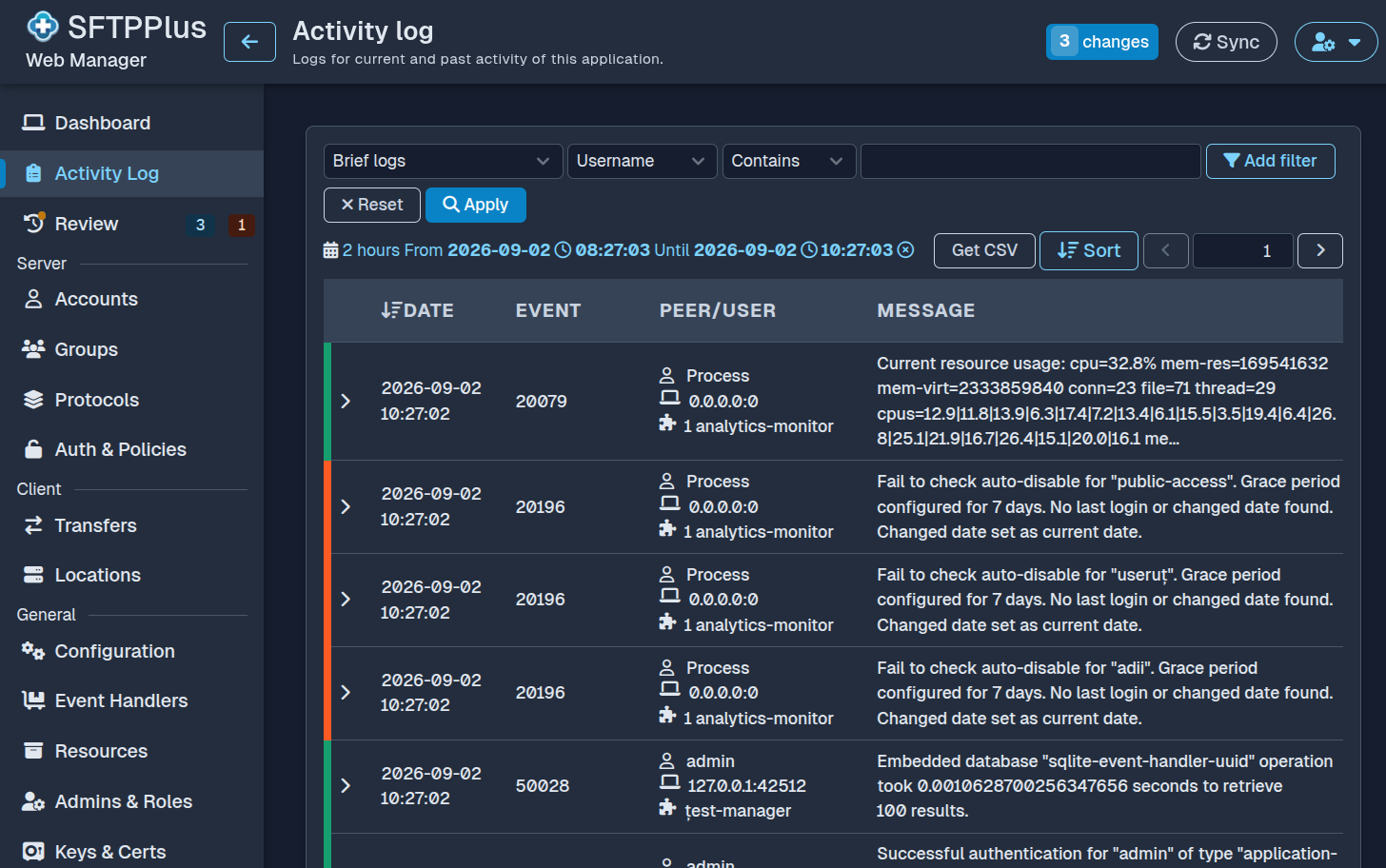
Manage configuration in your browser
Administrators can use Web Manager from a desktop or mobile browser, either locally or over a remote connection. The interface provides access to the complete SFTPPlus configuration without requiring direct edits to the INI configuration file.
Through Web Manager, administrators can:
- Manage users, groups, roles, and authentication methods
- Configure file transfer services such as SFTP, FTPS, HTTPS, and WebDAV
- Define automated transfers, storage locations, and file processing rules
- Manage SSH keys, PGP keys, and TLS certificates
- Review and test configuration changes before applying them
Monitor and operate SFTPPlus
The dashboard shows the status of services, transfers, and other active components. Administrators can start or stop components, inspect recent activity, and search the audit log from the same interface.
Secure administrative access
Administrative access is protected by the authentication and authorization settings configured for SFTPPlus. Administrative accounts authenticate using their assigned roles. Role-based access allows an organization to give administrators the permissions they need without giving every account unrestricted access. Learn how administrators and roles keep management access separate from file transfer users and provide fine-grained permissions.
Recover from certificate configuration errors
Web Manager is designed to remain available when its configured TLS certificate cannot be used. Instead of leaving the management service offline, SFTPPlus starts it with a fallback certificate.
The browser will report that the fallback certificate is not the expected certificate. An administrator can still connect to Web Manager, correct the certificate configuration, and restart the service with the intended certificate. This recovery path avoids requiring direct configuration file access for a certificate error.
Configure services and transfers
The same interface brings together the settings needed to run a managed file transfer service. Administrators can configure protocols such as SFTP, FTPS, HTTPS, and WebDAV, then define how users and automated transfers access them.
SFTPPlus also provides settings for SSH keys, PGP keys, TLS certificates, event handlers, and retention policies. These settings can be reviewed alongside the services and transfers that use them.
Review changes before applying them
Configuration changes can be reviewed before they are applied. This helps administrators confirm what will change, keep operational work traceable, and avoid unexpected changes to a running service.
Audit changes
Every configuration component, including users, groups, services, locations, and transfers, records when it was created and when it was last changed. These timestamps help administrators establish a configuration history during an audit or investigation.
User accounts have a separate password-change timestamp. This distinguishes changes to the user's configuration from password updates made by the user outside Web Manager.
Manage multiple instances
Web Manager can administer SFTPPlus in clustered and load-balanced environments. This gives administrators a consistent way to review configuration and system status across deployments. It can also run behind a reverse proxy or application gateway, including when the public URL maps Web Manager to a subpath. See the proxy connectivity solution for deployment options.
Automate Web Manager operations
Web Manager is a JavaScript client of the JSON-RPC administration API. Anything you can do in the browser interface can also be done through this API from your applications and scripts, using the same administrator accounts and role permissions.
Comprehensive management tools
The Web Manager is one part of the SFTPPlus management model. For text-based or automated workflows, use the INI configuration file or the command-line tools.