

PGP and GPG File Protection
SFTPPlus MFT includes built-in PGP (Pretty Good Privacy) functionality for encrypting, decrypting, signing, and verifying files. It works with files created by OpenPGP tools such as GnuPG and does not require any external software.
Key Points:
- Works with standard OpenPGP tools such as GnuPG.
- Performs encryption, decryption, signing, and signature verification using internal components.
- Can handle PGP files for both server and client transfers.
- Allows configurable actions for plain text and encrypted files.
- Supports automated file handling through event-based triggers.
Overview of PGP in SFTPPlus
PGP protects data using public and private keys. Encryption keeps file contents confidential, while digital signatures let recipients verify who signed a file and whether its contents changed. SFTPPlus implements these OpenPGP operations directly, allowing secure file transfers with partners and systems that use OpenPGP-compatible tools.
SFTPPlus can process PGP files both on the server side and the client side. It performs encryption, decryption, signing, and verification automatically based on configured rules.
PGP Event Handler
PGP operations in SFTPPlus are managed through the PGP event handler. This component performs actions when files are created, uploaded, or downloaded.
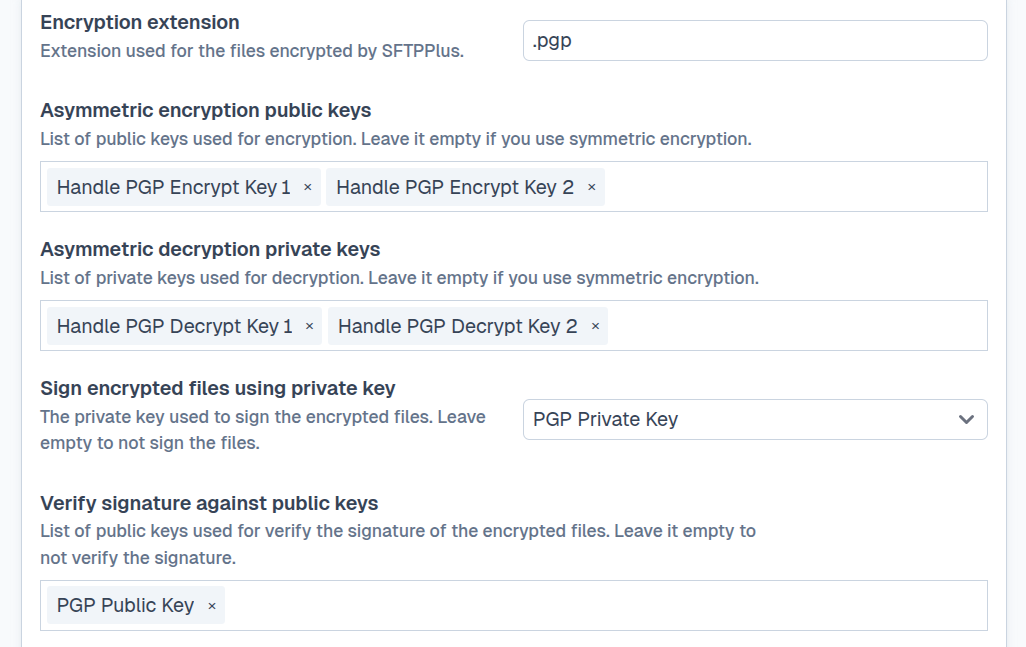
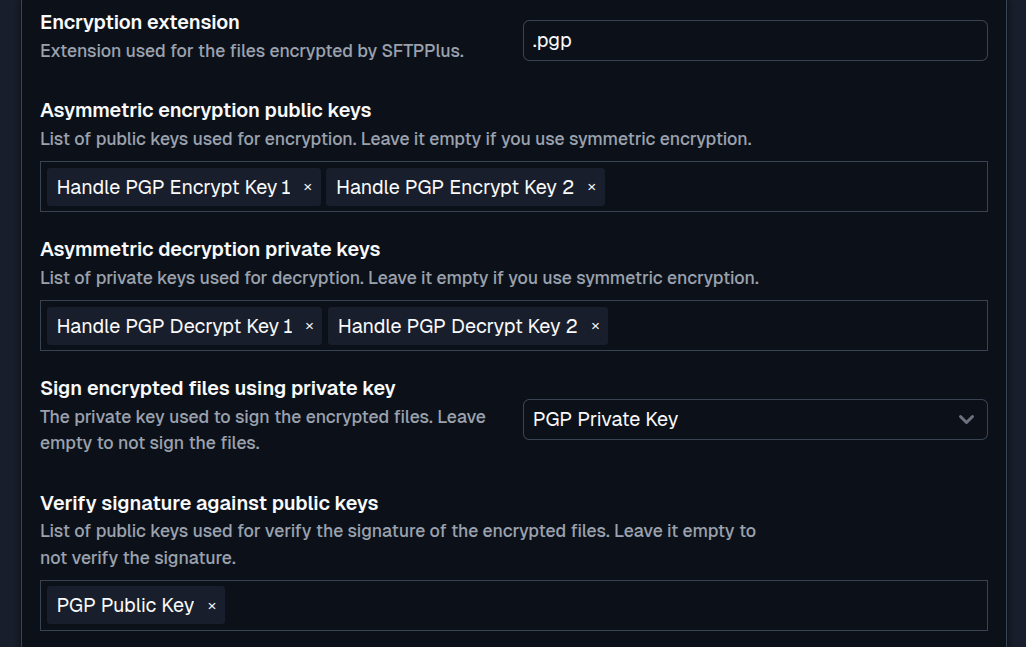
Encrypting files: When a plain text file is uploaded or created, SFTPPlus can encrypt it with a configured PGP public key. After encryption, it can delete the source file or move it to an archive location.
Decrypting files: When an encrypted file is received, SFTPPlus can decrypt it using the private key. The decrypted version can then be used by other processes or transferred to another location.
Signing files: SFTPPlus can sign a file with a configured PGP private key so that a recipient can verify its origin and integrity. When signing and encryption are both configured, SFTPPlus signs the file first and then encrypts the signed content.
Verifying files: SFTPPlus can verify a file's signature with the sender's public key before the file continues through an automated workflow.
This process is fully automated and does not need external PGP tools.
You can find all the available configuration options as part of the PGP Event Handler documentation page.
Benefits of implementing PGP with SFTPPlus
- Simplifies encryption setup by removing the need for third-party software.
- Ensures consistent handling of encrypted data.
- Verifies the origin and integrity of signed files.
- Supports secure file exchanges with any OpenPGP-compatible system.
- Helps meet common data protection and security requirements.