HTTP & HTTPS
Support for file transfers based on HTTP, functioning as both a server and a client. This capability allows for flexible and secure data exchange, accommodating various protocols and workflows within a single solution.
This is a subset of our news articles, filtered by publication year.

Support for file transfers based on HTTP, functioning as both a server and a client. This capability allows for flexible and secure data exchange, accommodating various protocols and workflows within a single solution.

SFTPPlus supports load balancer deployment, including FTP passive mode handling and automatic configuration synchronization.

With native support for Entra ID SSO, you can integrate users and administrators with SFTPPlus HTTP-based services.

Authenticate file transfer users and administrators against OpenLDAP, Red Hat Directory Server, and other LDAP-compatible directories.


Full support for FTP, covering both server-side and client-side operations. The FTP capabilities are designed to handle both legacy systems and modern, secure file transfer requirements.
Connect SharePoint Online document libraries to automated file transfers using Microsoft Graph and Entra ID OAuth2.

SFTPPlus MFT can be used to integrate your on-premise application with files received as Exchange Online / Office 365 attachments, allowing them to be accessed via an FTP or SFTP server.

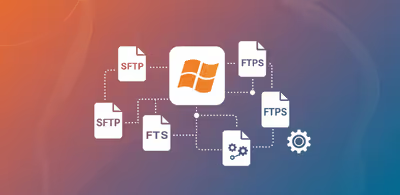
In this article, we highlight the protocols supported by SFTPPlus MFT, categorized by server-side and client-side roles.

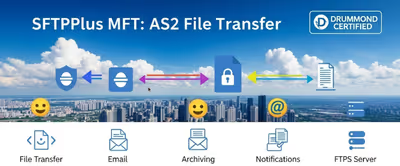
Use SFTPPlus MFT to manage and automate your file transfers within your organization, or between your organization and your trading partners.