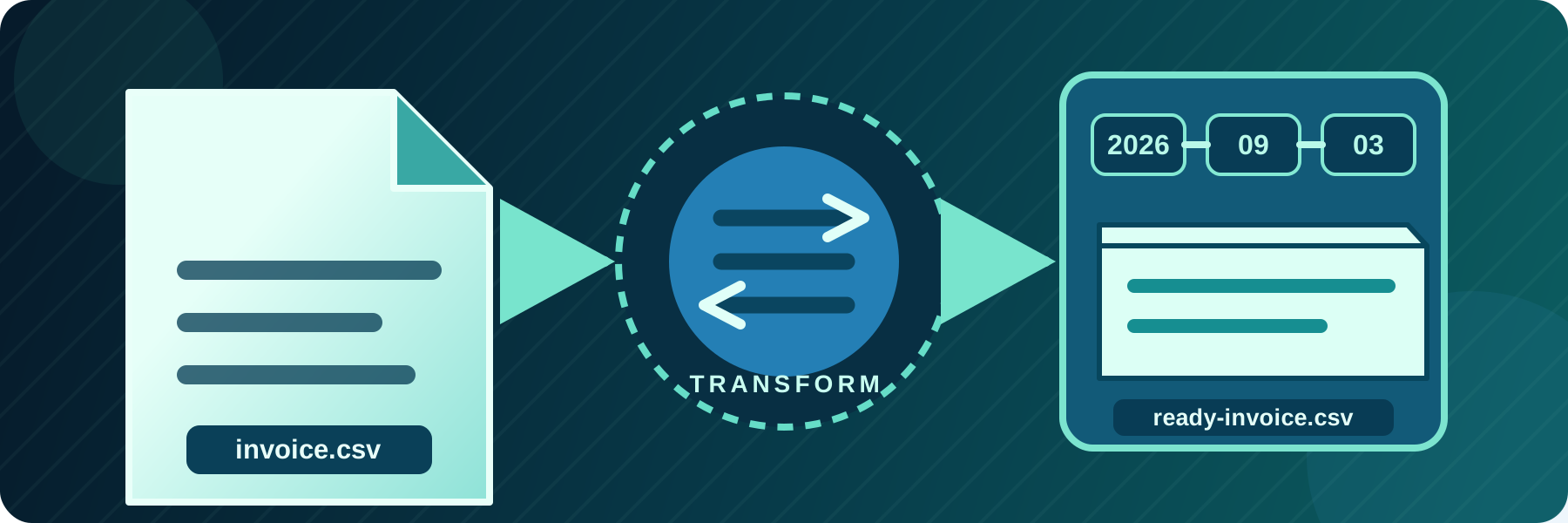
Change file names and paths during automated transfers
Route files into dynamic folders, rename them for another system, flatten directory structures, or use temporary names while uploading.
Continue reading


Practical guides for connecting business systems and automating file transfers with SFTPPlus MFT.
Route files into dynamic folders, rename them for another system, flatten directory structures, or use temporary names while uploading.

SFTPPlus MFT provides complete AS2 send and receive support for secure B2B Electronic Data Interchange (EDI), including partner profiles and MDN receipts.

Combine user and group permissions, path matching, operating system access, and source network rules in one file transfer authorization policy.


Operate secure file transfers through repeatable, reviewable DevOps and GitOps workflows using SFTPPlus MFT.

Retry connection and file operation failures, preserve source data, and alert operators when an automated transfer needs attention.

Exchange files between SAP and your partners without writing SFTP code in SAP. SFTPPlus MFT manages the transfers and can trigger an existing SAP workflow through XML SOAP hooks. Perpetual licences start at USD $1,900, with no per-partner or per-transfer licence fees.

SFTPPlus MFT allows for user authentication via the RADIUS protocol, including integration with Active Directory MFA via Microsoft's Network Policy Server
You can use SFTPPlus to deploy a SFTP server with any TCP network load balancer, including cloud or on-premise deployments.
If your business needs to securely handle HTTP file uploads, downloads, and automated transfers at scale, SFTPPlus MFT is a powerful and flexible solution.