

Control access to files and folders
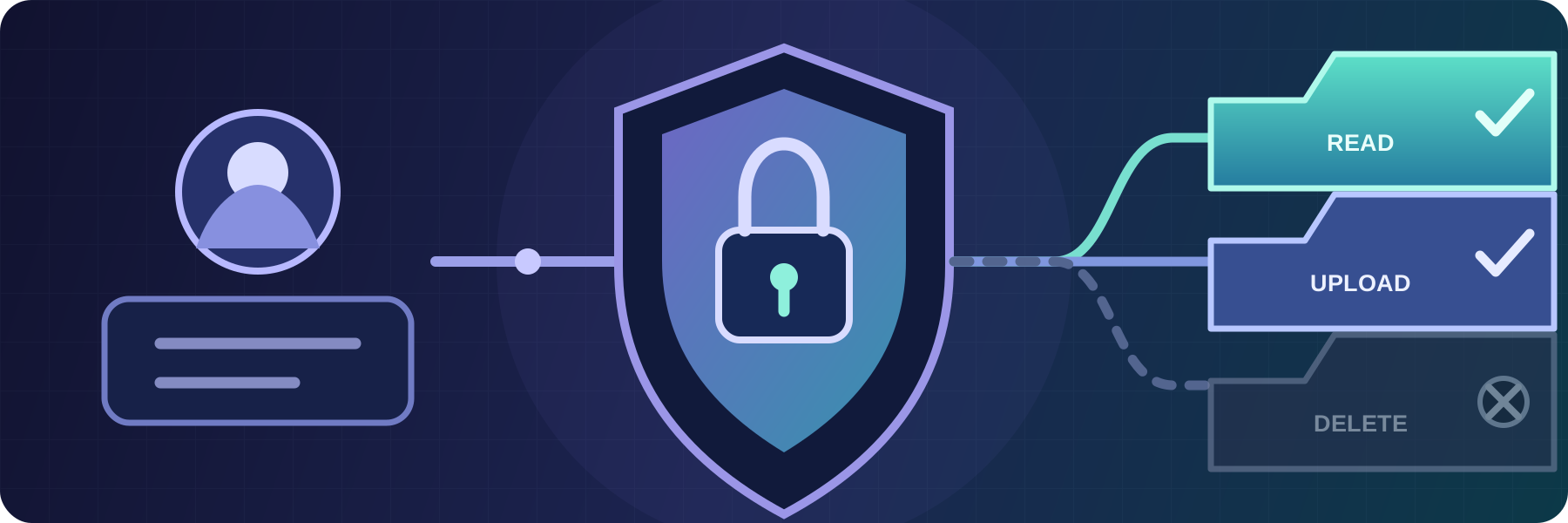
Combine user and group permissions, path matching, operating system access, and source network rules in one file transfer authorization policy.
- Updated
- 2026-07-03
Authentication confirms who is connecting to a file transfer service. Authorization decides which files and folders that person or automated process can use after the connection is accepted.
SFTPPlus MFT applies authorization rules to each account and its groups. The rules can control access by path, file operation, and connection context without exposing the rest of the server's filesystem.
Grant only the required file operations
Permissions specify which operations a user can perform, including:
- Reading or downloading files.
- Creating or uploading files.
- Renaming or deleting files.
- Creating or removing directories.
An account can inherit permissions from one or more groups and can also have its own rules. This supports a shared baseline for a team while allowing a specific account to have narrower or additional access where needed.
Match files and directories by path
Authorization rules use path-matching expressions rather than relying only on the permissions of one physical directory. A rule can allow or deny an operation for a precise path, a folder tree, or files whose names match a pattern.
This is useful when one service exposes several virtual folders or when accounts need different access to areas of the same storage. Rules can be kept with the SFTPPlus configuration and reviewed independently of the host operating system.
The matching expression documentation describes the available path patterns.
Combine SFTPPlus and operating system permissions
SFTPPlus supports application accounts stored in its own configuration and operating system accounts managed by the host or a domain.
For an application account, SFTPPlus performs filesystem operations through the operating system identity configured for that account or group. For an operating system account, the user's native filesystem permissions also apply.
In both cases, the SFTPPlus authorization rules remain in effect. An operation must be allowed by SFTPPlus and by the underlying filesystem. This makes it possible to preserve existing host-level controls while adding a file transfer policy around them.
Adapt access to the source network
An account can be associated with different groups according to the source IP address of its connection. The same identity can therefore receive different permissions on an internal network and through a public endpoint.
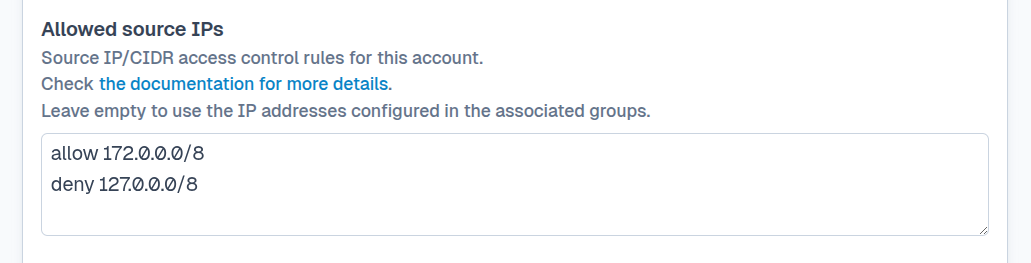
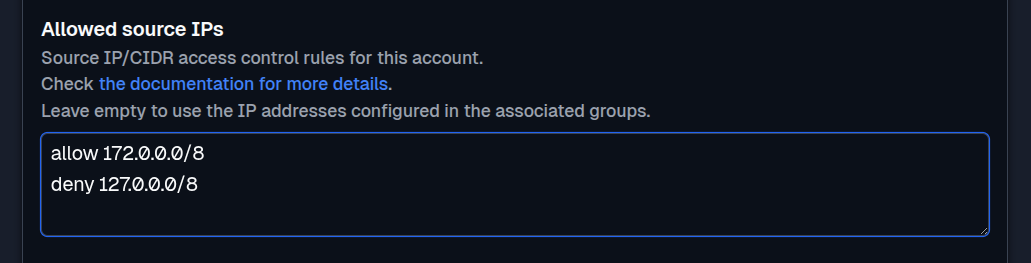
For example, an employee might receive access to project folders from the corporate network but only a restricted upload folder when connecting from outside it. The account keeps one identity while the selected group supplies the permissions appropriate for that location.
Keep authorization separate from authentication
The same authorization model can be used when identities are authenticated by SFTPPlus, the operating system, LDAP, Active Directory, RADIUS, OpenID Connect, or a custom HTTP service.
Keeping these responsibilities separate lets an organization change its identity provider without rebuilding every file access rule. See the authorization configuration documentation for rule ordering, inheritance, and configuration examples.