

Change file names and paths during automated transfers
Route files into dynamic folders, rename them for another system, flatten directory structures, or use temporary names while uploading.
- Updated
- 2026-07-29
The name and folder used by a source system do not always match what the receiving system expects. SFTPPlus MFT client-side transfers can calculate a different destination path and file name while leaving the file content unchanged.
These changes are configured with destination path actions. Each action can apply to all source files or only to files selected by a glob or regular expression. Several actions can be applied in sequence when one change is not enough.
Organize transferred files in date-based folders
The transform action builds a destination path from placeholders for the source file, regular expression groups, or the current date and time. For example, this short configuration places every file in a folder for the year, month, and day on which it is transferred:
destination_path = /archive
destination_path_actions = *, transform, {now.year_decimal}/{now.month_padded}/{now.day_padded}/{path.file_name}
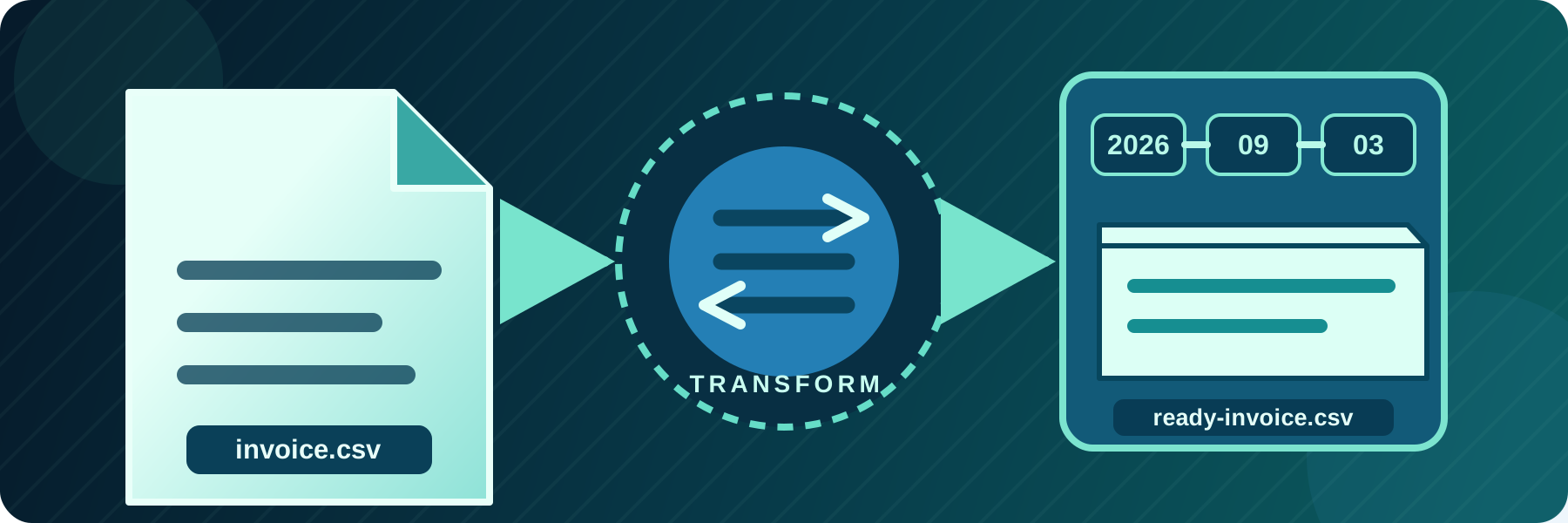
On 3 September 2026, a source file named invoice.csv is uploaded as /archive/2026/09/03/invoice.csv. Other placeholders are available for hours, minutes, seconds, the source directory, the file name, its base name, and its extension.
The same action can rename files. For example, *.csv, transform, ready-{path.file_name} changes invoice.csv to ready-invoice.csv at the destination. Regular expression groups can handle names that need more selective changes.
Flatten a directory structure into one file name
Some destinations accept files in a single folder but still need the source directory information. The replace-separator action is a simplified transformation that replaces each path separator with configured text.
With *, replace-separator, _, a source path relative to the transfer's base folder such as region/eu/report.csv becomes region_eu_report.csv. This keeps the destination flat without losing the source path from the name.
Always use one destination path
The fixed-path action uploads every matching source file to the same exact destination path, regardless of its original name. For example:
destination_path_actions = *, fixed-path, /inbox/current-report.csvThis is useful when a receiving application always reads a known file name such as current-report.csv. The fixed path is complete, so this action ignores the transfer's separate destination_path setting.
Keep incomplete uploads under a temporary name
A receiving system should not start processing a file before its upload is complete. SFTPPlus can first upload it with a temporary prefix or suffix, then rename it to the final destination name after all content has arrived.
Use the transfer's destination_temporary_suffix setting when every file should have the same temporary suffix, such as .part. Use the temporary-prefix or temporary-suffix destination path action when the temporary naming rule should apply only to selected files or needs to be combined with other transformations.
Every file must match at least one rule when destination path actions are enabled. Add a no-action rule for files that should keep their original relative path and name.
If the receiving system also expects a different text encoding, see how to convert file content during an automated transfer. Content and path actions can be used together in the same transfer.
See the destination file name and path documentation for all actions, placeholders, matching rules, and configuration examples.