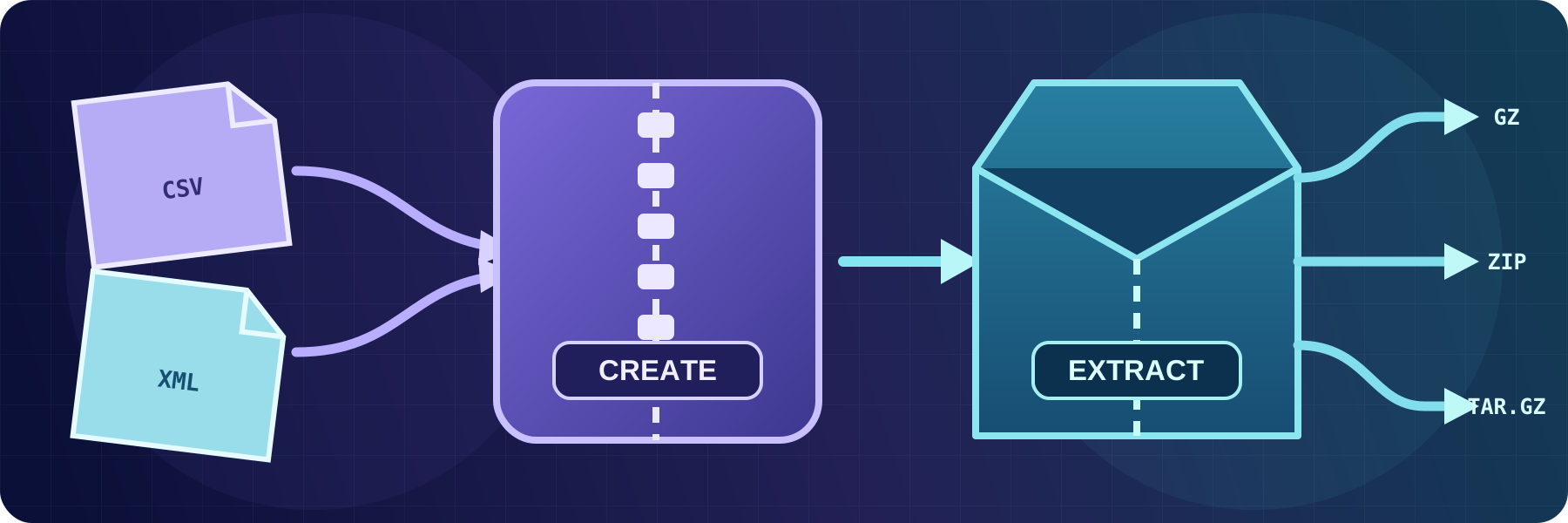
Create and extract archives
Compress files into GZIP or ZIP archives and automatically extract GZIP, TAR, TAR.GZ, TAR.BZ2, or ZIP content, including password-protected ZIP files.
Continue reading


Practical guides for connecting business systems and automating file transfers with SFTPPlus MFT.
Compress files into GZIP or ZIP archives and automatically extract GZIP, TAR, TAR.GZ, TAR.BZ2, or ZIP content, including password-protected ZIP files.
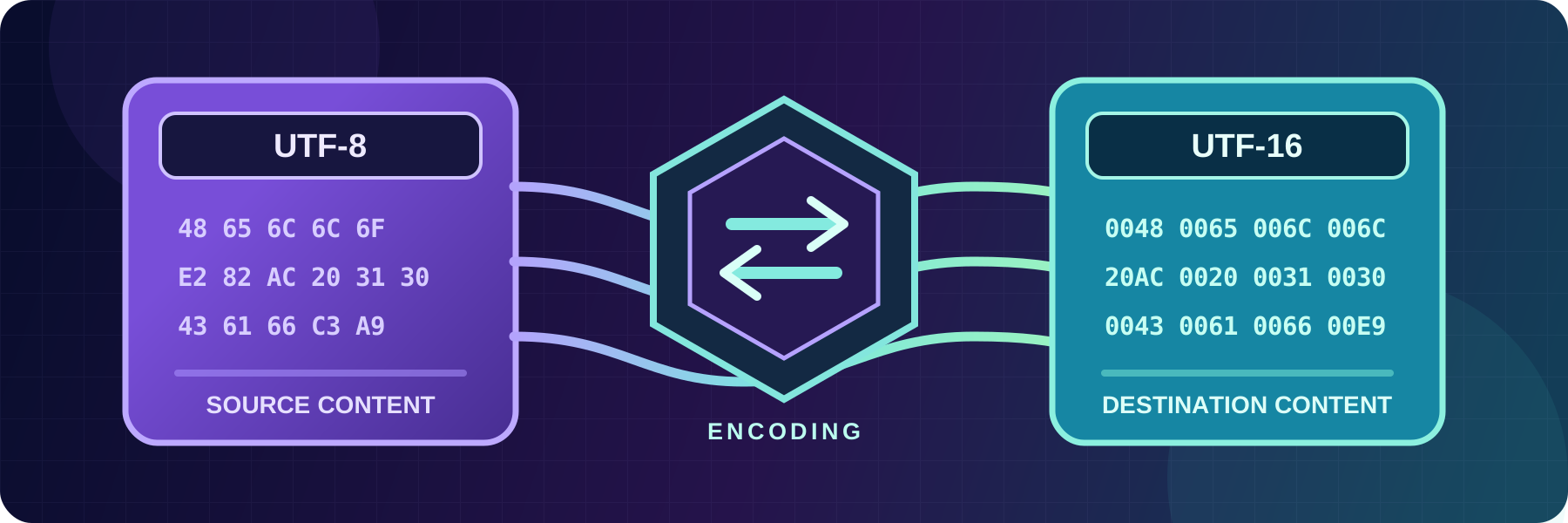
Convert text files between UTF-8, UTF-16, ASCII, and ISO-8859-15 while transferring them, without changing the source file.

Inspect incoming text files for expected or unwanted values, then notify other systems or generate a file digest. This allows validating the file content in automated workflows.
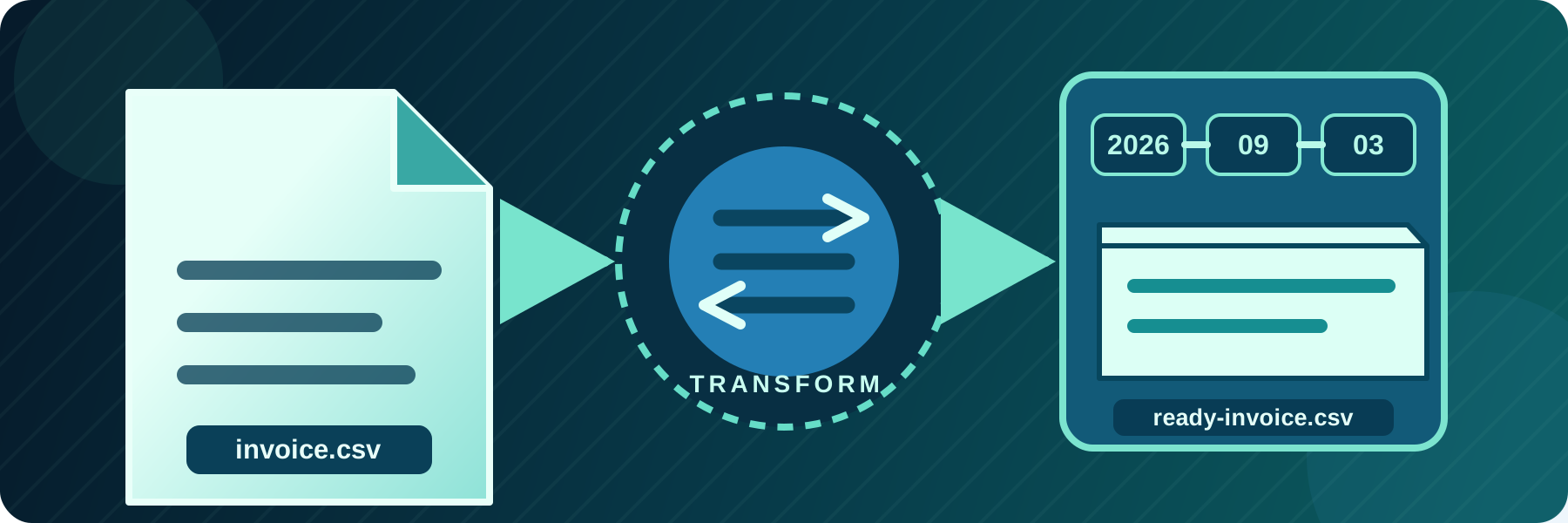
Route files into dynamic folders, rename them for another system, flatten directory structures, or use temporary names while uploading.

SFTPPlus MFT sends and receives EDI files over AS2, with trading partner profiles, MDN receipts, separate AS2 certificates, and warnings before certificates expire.

Combine user and group permissions, path matching, operating system access, and source network rules in one file transfer authorization policy.


Keep SFTPPlus MFT deployments reviewable: define services and transfers in an .INI file, script administration with admin-shell, and install on Kubernetes with Helm.
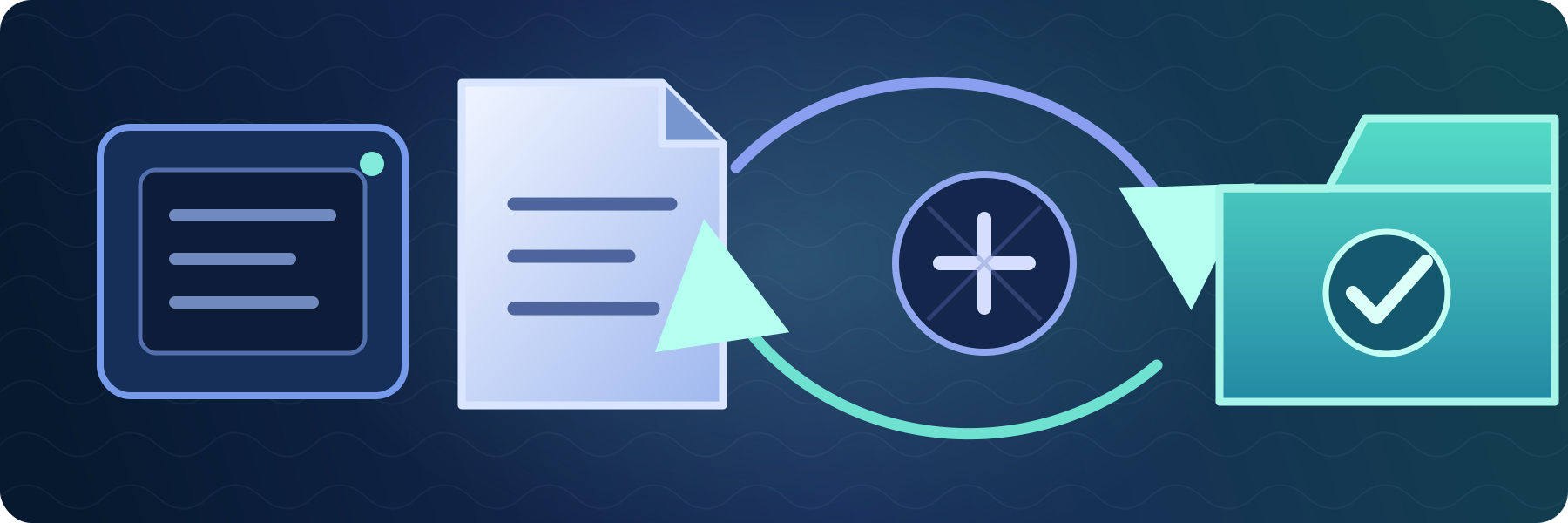
Retry connection and file operation failures, preserve source data, and alert operators when an automated transfer needs attention.

Exchange files between SAP and your partners without writing SFTP code in SAP. SFTPPlus MFT manages the transfers and can trigger an existing SAP workflow through XML SOAP hooks. Perpetual licences start at USD $1,900, with no per-partner or per-transfer licence fees.