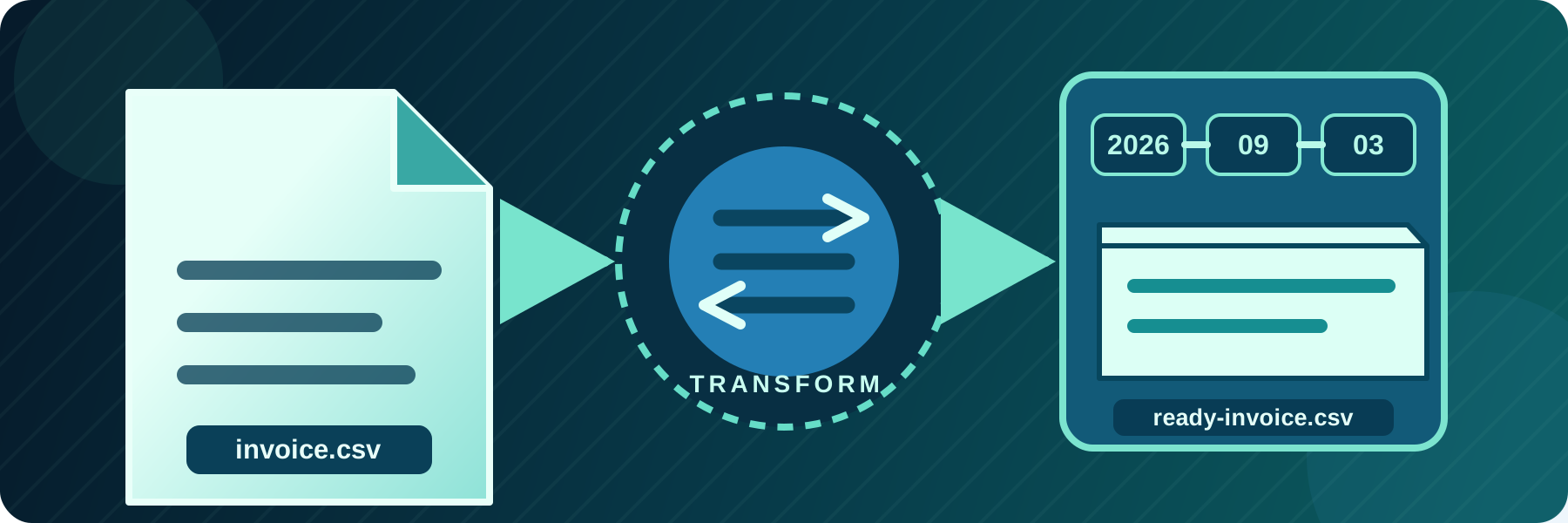
Change file names and paths during automated transfers
Route files into dynamic folders, rename them for another system, flatten directory structures, or use temporary names while uploading.
Continue reading


Stay informed with product updates, company news, and insights on how to optimize and secure your file transfers.
Route files into dynamic folders, rename them for another system, flatten directory structures, or use temporary names while uploading.

SFTPPlus MFT provides complete AS2 send and receive support for secure B2B Electronic Data Interchange (EDI), including partner profiles and MDN receipts.

SFTPPlus 5.25.0 brings enhanced security controls, expanded cloud integration, and improved reliability for your managed file transfer operations.

Combine user and group permissions, path matching, operating system access, and source network rules in one file transfer authorization policy.


We are happy to announce version 5.24.0, featuring stronger authentication options, broader localization, and important reliability fixes.

Operate secure file transfers through repeatable, reviewable DevOps and GitOps workflows using SFTPPlus MFT.

We are announcing the release of SFTPPlus version 5.23.0, improving Azure RBAC integration and fixing FTP bugs.
We are announcing the release of SFTPPlus version 5.22.0, bringing a range of new features, enhancements, and important fixes to improve your secure file transfer experience.
SFTPPlus Appointed to UK Government’s Digital Outcomes and Specialists 7 (DOS7) Framework
We have released SFTPPlus version 5.21.1. This update focuses on expanding the use of the secure configuration vault, improving AS2 and LDAP integrations

We are proud to announce the release of SFTPPlus version 5.20.0. This update introduces a powerful centralized Vault system and more granular administrative controls.