

Key and Certificate Vault
The SFTPPlus MFT vault manager provides a central place to manage the keys and certificates used by file transfer services, automated transfers, event handlers, and external integrations.
Manage Keys and Certificates
Administrators can use the vault manager to store, manage, import, export, and generate public and private key material for:
- PGP and OpenPGP encryption and signing
- SSH authentication and server identities
- TLS, PKI, and X.509 certificates and keys
- Certificate authority (CA) chain certificates and trusted external certificates
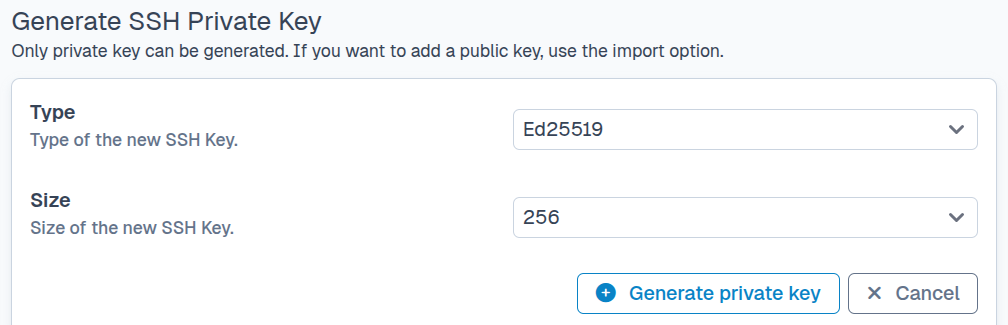
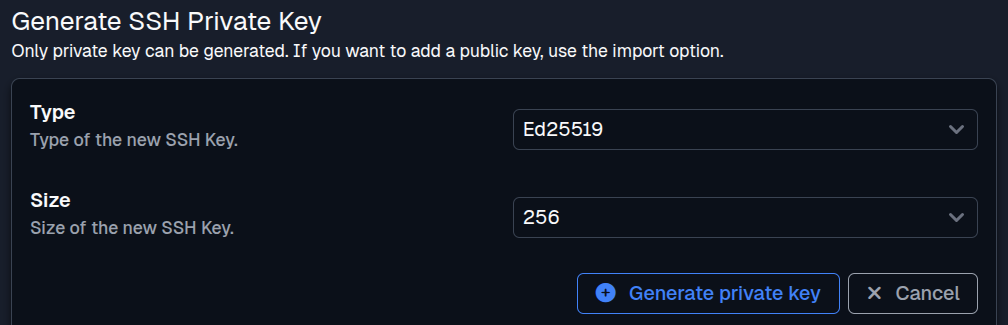
Keeping these items in the vault avoids duplicating sensitive content across component configurations. Vault items can be managed through the Web Manager or text configuration, and private content is not exposed through the management API. Private SSH, PGP, and TLS key material can be exported in various formats, with or without password protection.
The vault can import public and private SSH keys in current and legacy OpenSSH formats, PuTTY private key format versions 2 and 3, and the legacy SSH.com format. TLS private keys and certificates can be imported from and exported to PFX or P12 (PKCS#12) files, with or without password protection.
Generate PGP Keys
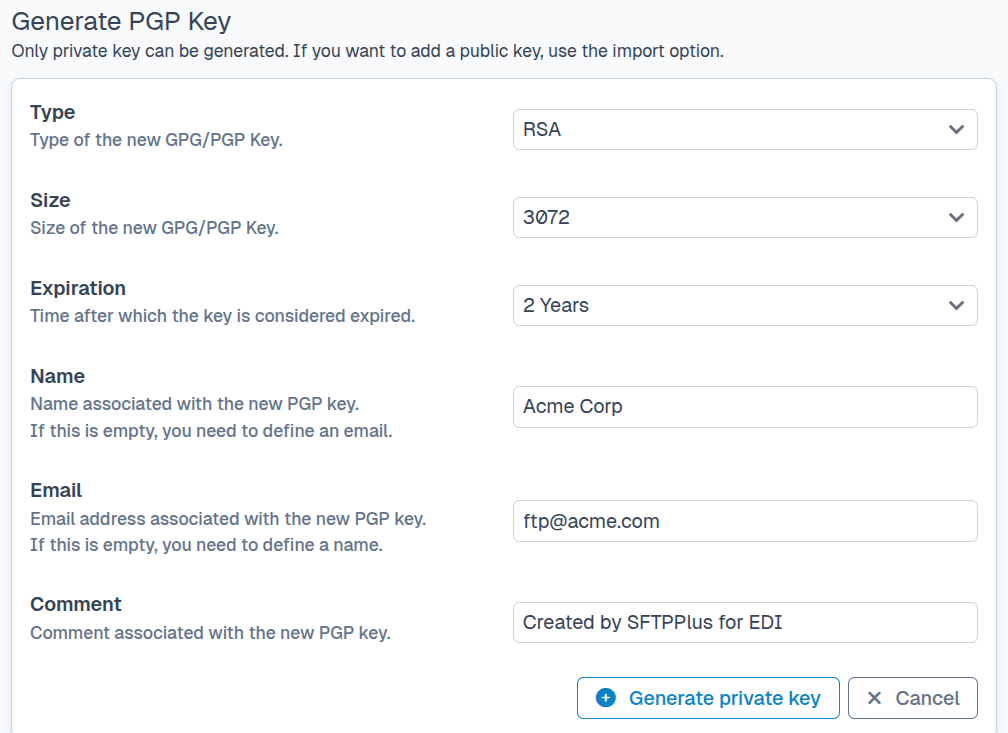
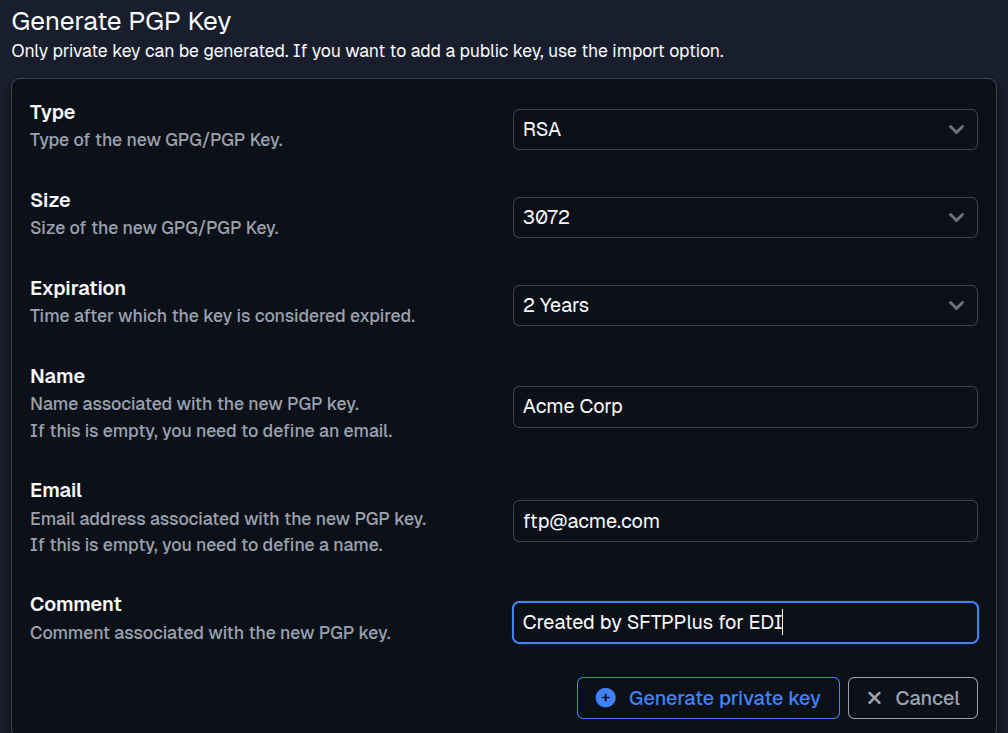
The vault manager can generate PGP private keys using RSA or DSA. Administrators can select attributes such as the key size, expiration date, name, email address, and comment.
Create Certificates and Signing Requests
The vault manager can generate self-signed certificates for internal or test deployments. It can also create certificate signing requests (CSRs) that can be sent to an internal or public certificate authority.
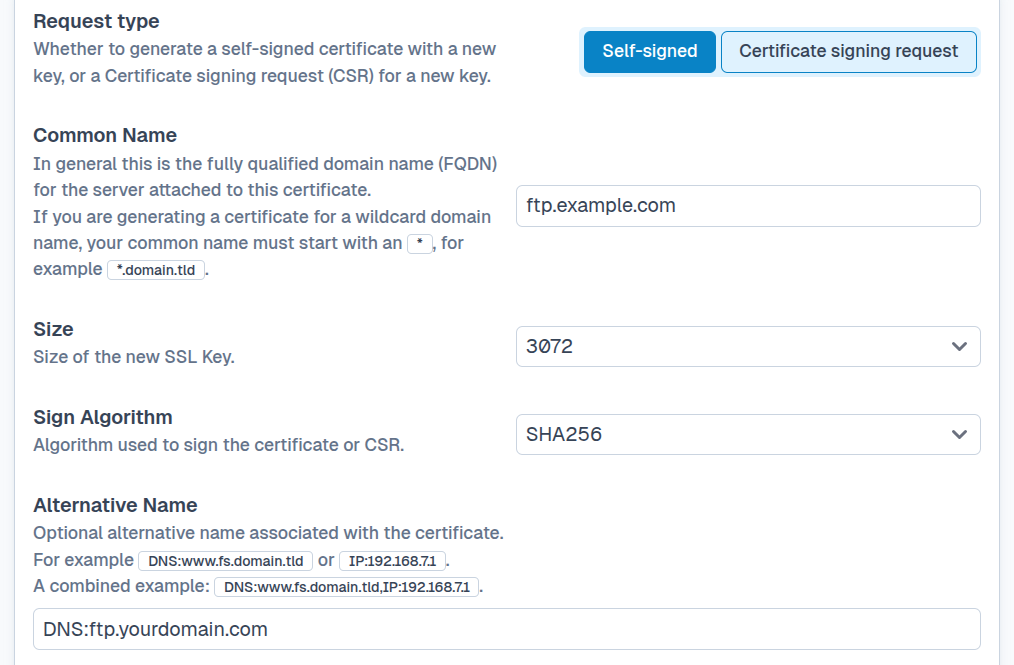
The vault items documentation describes the available item types, storage options, and configuration.