

Clusters and load balancers
SFTPPlus MFT includes cluster configuration management for disaster recovery, high availability, and higher capacity deployments. It allows organizations to manage multiple SFTPPlus instances from one interface while keeping file transfer operations available across the nodes.
Centralized configuration that survives an outage
Administrators connect to the SFTPPlus cluster controller, which provides a single web interface for managing the configuration of all SFTPPlus installations in the cluster. The cluster controller distributes configuration updates to all connected nodes, keeping each instance synchronized.
If the controller is offline, cluster nodes continue to operate using their last known configuration. Nodes can be restarted or rebooted independently. Once the controller is back online, nodes automatically resynchronize their configurations.
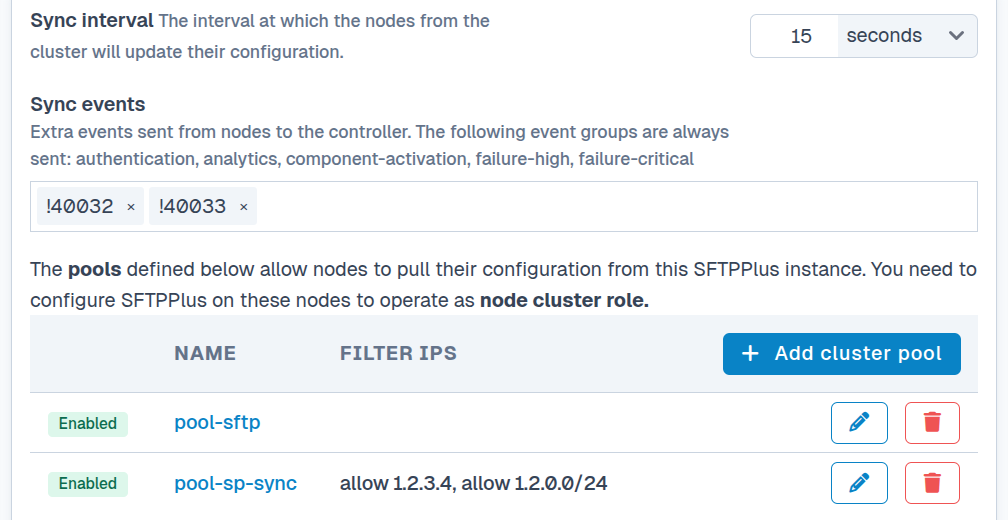
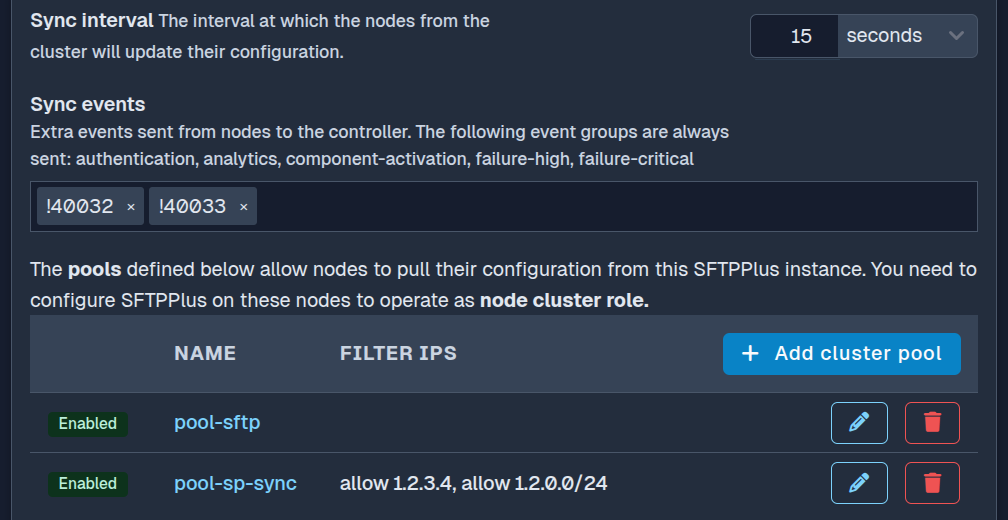
The controller can be dedicated to cluster management or can also perform file transfer operations in a hybrid deployment.
Assign different roles to cluster nodes
A cluster can contain multiple nodes without requiring every node to run the same components or process the same file transfers. An individual node or a group of nodes can have a distinct role within the cluster.
The shared configuration can define file transfer services, client transfers, event handlers, and filesystem monitors for the whole cluster. Cluster activation assigns each component to all instances, only the controller, any non-controller node, or a specific named pool.
Multiple nodes can belong to the same pool, and every node in that pool uses the same component activation settings. This allows some nodes to accept incoming transfers while others run selected client transfers or processing tasks for particular partners and protocols.
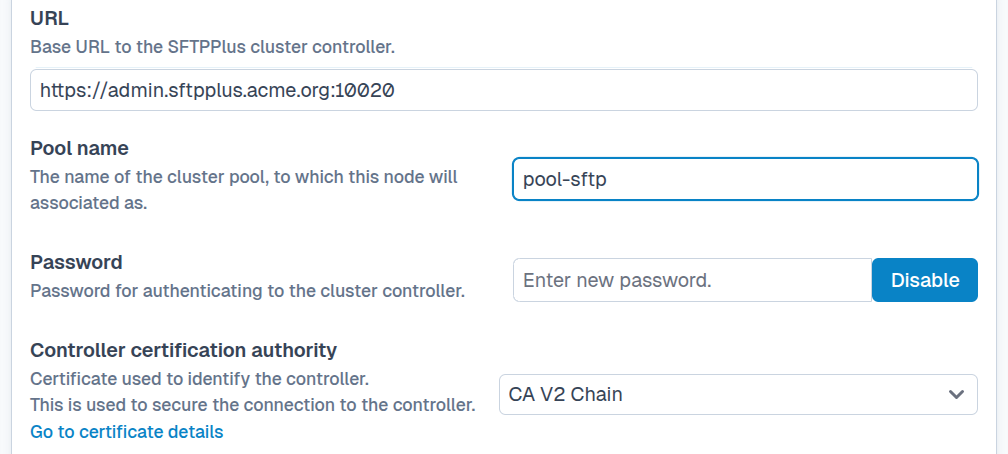
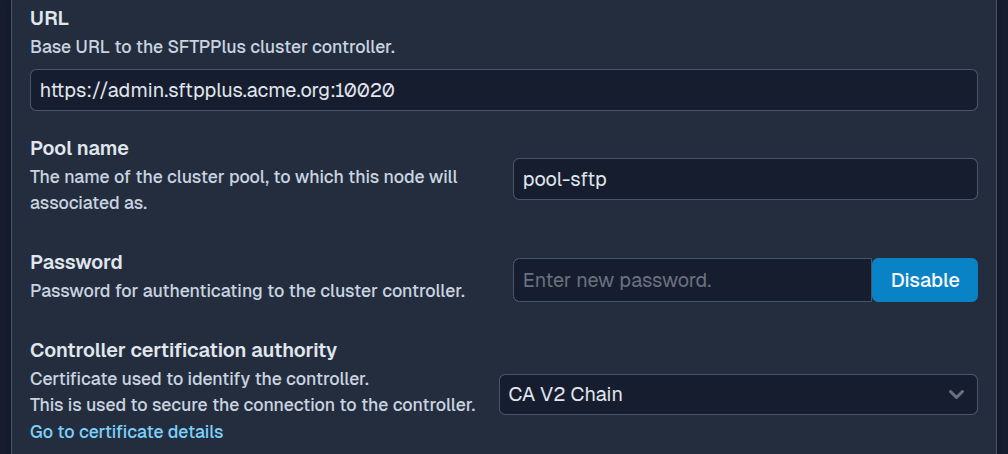
Every node receives the complete configuration but starts only its assigned components. The result is a heterogeneous cluster with different node roles, managed through one configuration. This also allows for every node to be promoted to a controller role at any time, since it already has a copy of the full configuration.
Combine server and client transfers
Server-side transfers accept connections from users and partner systems. In a cluster, these SFTP, FTPS, HTTPS, and other incoming connections are typically distributed across active nodes by a load balancer.
Client-side transfers are initiated by SFTPPlus toward a remote server, so they do not require a load balancer. When a remote partner only accepts connections from an allowlisted IP address, the cluster can use a NAT gateway so that outgoing connections from every node have the same source IP.
Fail over client transfers with two nodes
Client transfers use a simple delayed activation algorithm. One cluster node actively processes a transfer while the other eligible nodes stand down. If files remain waiting longer than the configured failover interval, a fallback node processes them without requesting consensus or confirmation from the other nodes.
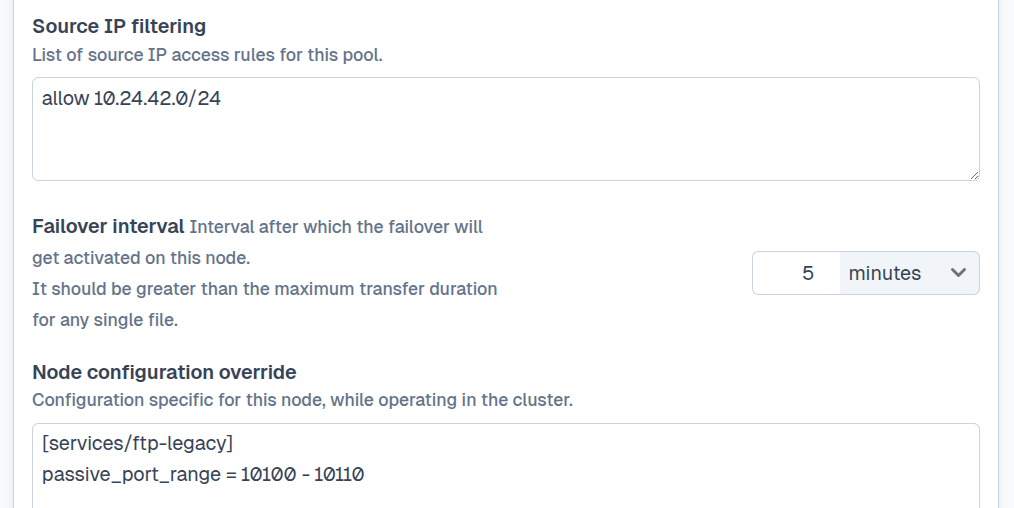
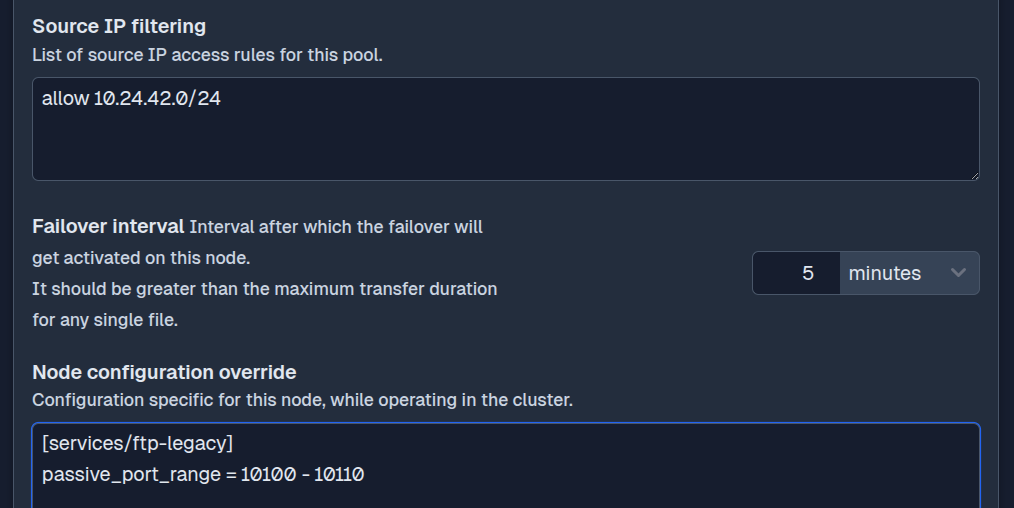
This design supports a high availability client transfer deployment with only two SFTPPlus instances. Consensus and dynamic leader election designs usually require at least three nodes and often operate better with five or more.
Centralize audit events and automation
Cluster nodes can forward selected events or their complete event stream to the controller. The controller then acts as a centralized audit system for activity across the cluster.
Event handlers on the controller can react to forwarded events just as they react to local events. For example, the controller can send an alert for a failed transfer on a node or notify another system after a node receives a file.
Nodes can also send their events directly to external monitoring and security services such as Elastic, Datadog, or Splunk when distributed logging is preferred.
Deployment scenarios
The same cluster features support several deployment models:
- Two or more virtual machines behind a load balancer for incoming file transfers.
- Multiple SFTPPlus containers in Kubernetes.
- A primary and secondary disaster recovery setup.
- Dedicated controller and transfer nodes with different component activation rules.
Individual nodes can be taken offline for maintenance or software updates while other nodes continue processing file transfers.
See the cluster operation documentation for configuration and deployment details.