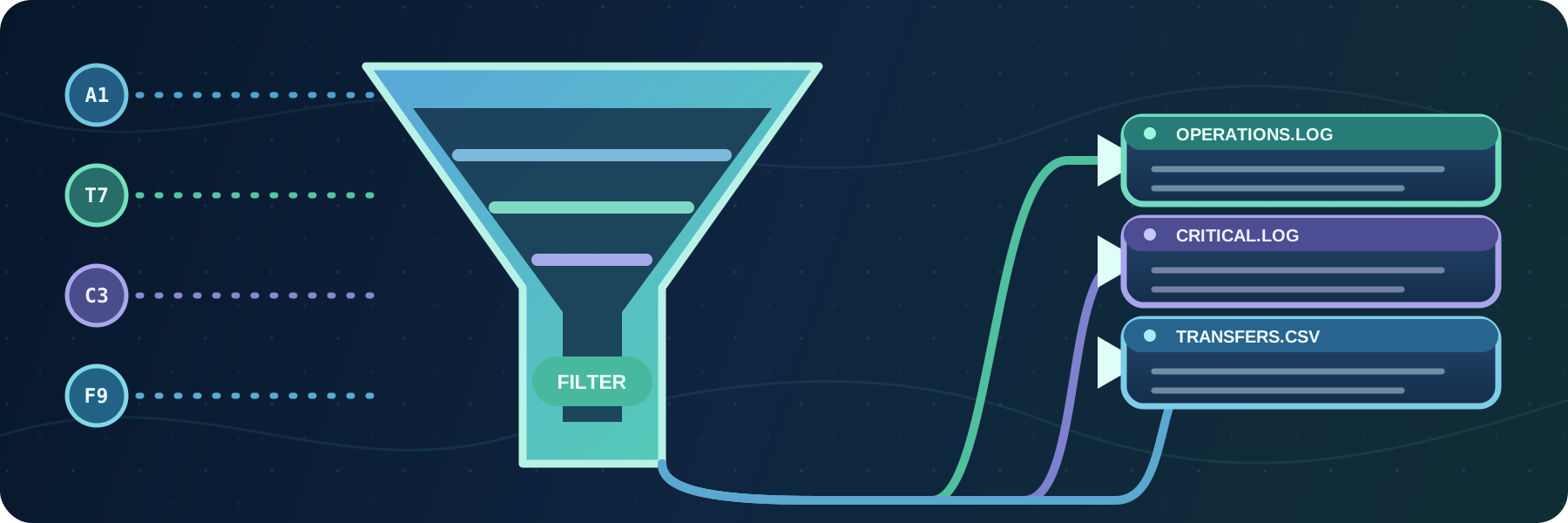
Create log files and reports
Write filtered audit events to text or CSV files, with independent formats, locations, rotation schedules, and retention limits.
Continue reading


Stay informed with product updates, company news, and insights on how to optimize and secure your file transfers.
Write filtered audit events to text or CSV files, with independent formats, locations, rotation schedules, and retention limits.

Version 5.26.1 is available as a minor update to the SFTPPlus 5 series. This release includes new features and defect fixes.
'%20/%3e%3crect%20width='900'%20height='300'%20fill='url(%23grid)'%20/%3e%3ccircle%20cx='170'%20cy='150'%20r='122'%20fill='%231c7894'%20opacity='0.09'%20/%3e%3ccircle%20cx='746'%20cy='149'%20r='126'%20fill='%2357d0d4'%20opacity='0.08'%20/%3e%3cg%20fill='none'%20stroke-linecap='round'%3e%3cpath%20d='M96%2078%20C210%2078%20282%20104%20368%20126'%20stroke='%2378def0'%20stroke-width='5'%20/%3e%3cpath%20d='M96%20150%20H358'%20stroke='%23ffbf69'%20stroke-width='5'%20stroke-dasharray='13%2012'%20/%3e%3cpath%20d='M96%20222%20C210%20222%20282%20196%20368%20174'%20stroke='%2378def0'%20stroke-width='5'%20/%3e%3cpath%20d='M518%20150%20H674'%20stroke='%237de2c2'%20stroke-width='7'%20/%3e%3c/g%3e%3cg%20filter='url(%23shadow)'%3e%3ccircle%20cx='92'%20cy='78'%20r='23'%20fill='%23e9f9ff'%20/%3e%3ccircle%20cx='92'%20cy='78'%20r='10'%20fill='%2320a9c9'%20/%3e%3ccircle%20cx='92'%20cy='150'%20r='23'%20fill='%23ffe3bb'%20/%3e%3ccircle%20cx='92'%20cy='150'%20r='10'%20fill='%23f68b3c'%20/%3e%3ccircle%20cx='92'%20cy='222'%20r='23'%20fill='%23e9f9ff'%20/%3e%3ccircle%20cx='92'%20cy='222'%20r='10'%20fill='%2320a9c9'%20/%3e%3c/g%3e%3cg%20transform='translate(252%20121)'%20filter='url(%23shadow)'%3e%3ccircle%20cx='29'%20cy='29'%20r='29'%20fill='%23c83e51'%20/%3e%3cpath%20d='M17%2017%2041%2041M41%2017%2017%2041'%20fill='none'%20stroke='%23fff'%20stroke-width='7'%20stroke-linecap='round'%20/%3e%3c/g%3e%3cg%20transform='translate(356%2038)'%20filter='url(%23shadow)'%3e%3cpath%20d='M94%208c38%2028%2074%2030%2074%2030v66c0%2065-43%20104-74%20118-31-14-74-53-74-118V38s36-2%2074-30Z'%20fill='url(%23shield)'%20stroke='%23c9fbff'%20stroke-width='5'%20stroke-linejoin='round'%20/%3e%3cpath%20d='M52%2079h84M52%20108h84M52%20137h84'%20stroke='%23073354'%20stroke-width='13'%20stroke-linecap='round'%20/%3e%3c/g%3e%3cg%20transform='translate(676%2073)'%20filter='url(%23shadow)'%3e%3crect%20width='122'%20height='154'%20rx='17'%20fill='url(%23server)'%20stroke='%23eaf9ff'%20stroke-width='4'%20/%3e%3crect%20x='17'%20y='20'%20width='88'%20height='31'%20rx='8'%20fill='%23174a6b'%20/%3e%3crect%20x='17'%20y='62'%20width='88'%20height='31'%20rx='8'%20fill='%23174a6b'%20/%3e%3crect%20x='17'%20y='104'%20width='88'%20height='31'%20rx='8'%20fill='%23174a6b'%20/%3e%3ccircle%20cx='88'%20cy='35.5'%20r='5.5'%20fill='%2373e2c0'%20/%3e%3ccircle%20cx='88'%20cy='77.5'%20r='5.5'%20fill='%2373e2c0'%20/%3e%3ccircle%20cx='88'%20cy='119.5'%20r='5.5'%20fill='%2373e2c0'%20/%3e%3cpath%20d='M31%2035.5h34M31%2077.5h34M31%20119.5h34'%20stroke='%238acade'%20stroke-width='5'%20stroke-linecap='round'%20/%3e%3c/g%3e%3cg%20transform='translate(600%2041)'%20opacity='0.9'%3e%3ccircle%20cx='28'%20cy='28'%20r='24'%20fill='%230a2a49'%20stroke='%2382e8e3'%20stroke-width='4'%20/%3e%3cpath%20d='M28%2014v14l10%207'%20fill='none'%20stroke='%23fff'%20stroke-width='5'%20stroke-linecap='round'%20stroke-linejoin='round'%20/%3e%3c/g%3e%3c/svg%3e)
Protect file transfer services with explicit source IP rules and automatic temporary blocks for repeated failed authentication attempts.
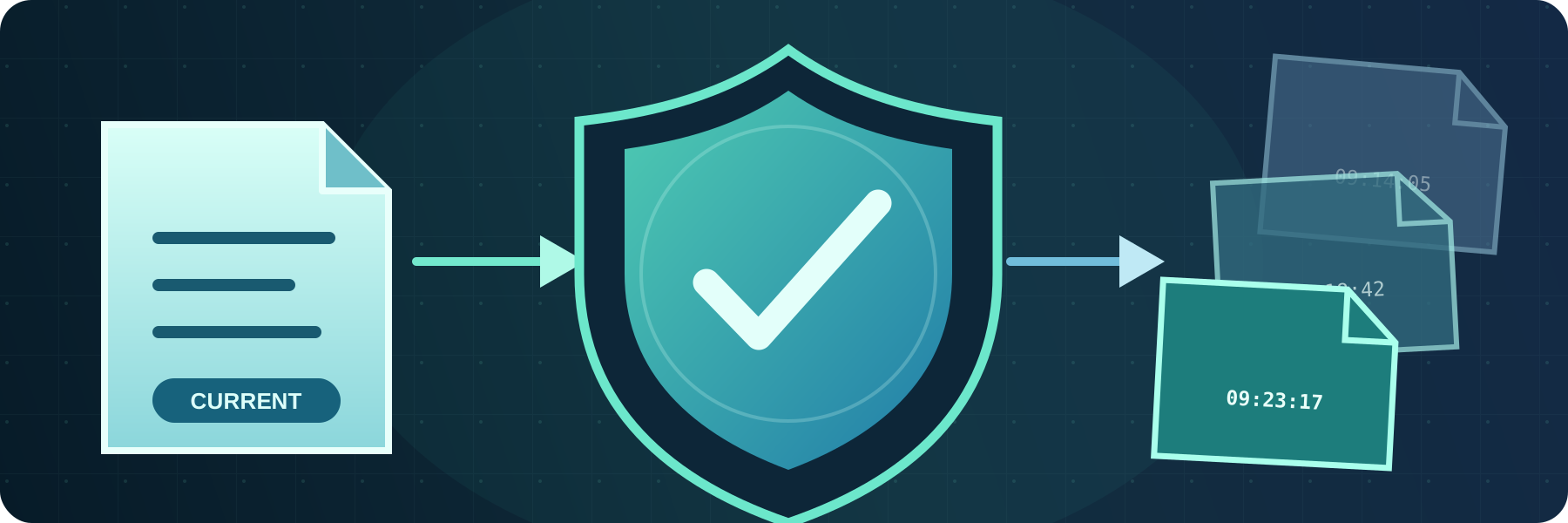
Choose whether SFTPPlus MFT fails, skips, replaces, or renames files when the destination already contains the same name.
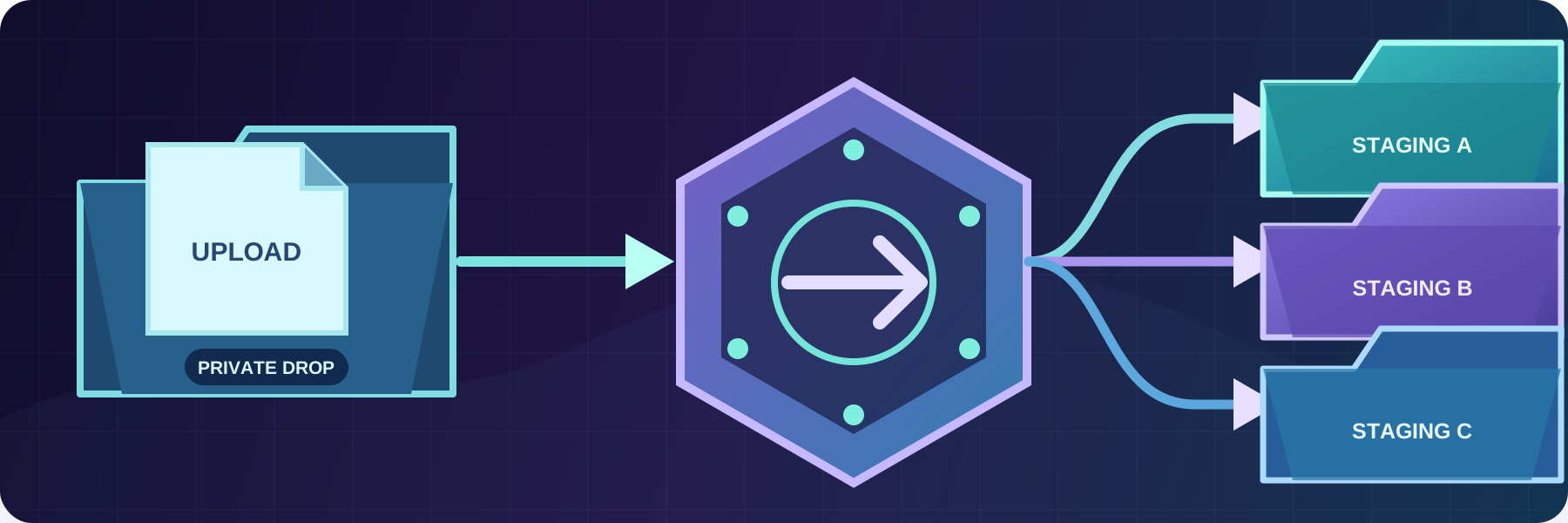
Move, copy, rename, or remove files after a transfer without maintaining custom pre-transfer or post-transfer scripts.

Call specialized or legacy tools from SFTPPlus MFT events, pass event details to them, and reuse their text or structured JSON results.
'/%3e%3crect%20width='1200'%20height='400'%20fill='url(%23grid)'/%3e%3ccircle%20cx='210'%20cy='65'%20r='190'%20fill='url(%23glow)'%20filter='url(%23blur)'/%3e%3ccircle%20cx='1025'%20cy='345'%20r='210'%20fill='%238d4bff'%20fill-opacity='.2'%20filter='url(%23blur)'/%3e%3cg%20fill='%230a1938'%20fill-opacity='.62'%20stroke='%2399caff'%20stroke-opacity='.24'%20stroke-width='2'%3e%3crect%20x='78'%20y='72'%20width='330'%20height='205'%20rx='18'/%3e%3ccircle%20cx='108'%20cy='100'%20r='6'%20fill='%2351dccd'%20stroke='none'/%3e%3ccircle%20cx='130'%20cy='100'%20r='6'%20fill='%235a9cf0'%20stroke='none'/%3e%3ccircle%20cx='152'%20cy='100'%20r='6'%20fill='%23a78cff'%20stroke='none'/%3e%3c/g%3e%3cg%20fill='none'%20stroke='%23d8f7ff'%20stroke-linecap='round'%3e%3cpath%20d='m152%20154-26%2022%2026%2022'%20stroke-width='8'%20opacity='.78'/%3e%3cpath%20d='m264%20154%2026%2022-26%2022'%20stroke-width='8'%20opacity='.78'/%3e%3cpath%20d='m226%20143-35%2068'%20stroke='%2351dccd'%20stroke-width='7'%20opacity='.9'/%3e%3cpath%20d='M322%20147h46M322%20171h31M322%20195h58M322%20219h38'%20stroke-width='6'%20opacity='.32'/%3e%3c/g%3e%3cpath%20d='M-70%20310C155%20105%20315%20360%20525%20162S875%2047%201270%20215'%20fill='none'%20stroke='url(%23ribbon)'%20stroke-width='74'%20stroke-linecap='round'%20opacity='.82'%20/%3e%3cpath%20d='M-45%20322C170%20130%20325%20376%20540%20177S890%2067%201250%20225'%20fill='none'%20stroke='%23d9f9ff'%20stroke-width='3'%20stroke-linecap='round'%20opacity='.65'%20/%3e%3cg%20fill='none'%20stroke='%23b9d8ff'%20stroke-opacity='.45'%20stroke-width='2'%3e%3ccircle%20cx='170'%20cy='250'%20r='74'/%3e%3ccircle%20cx='170'%20cy='250'%20r='106'/%3e%3ccircle%20cx='894'%20cy='126'%20r='58'/%3e%3ccircle%20cx='894'%20cy='126'%20r='88'/%3e%3c/g%3e%3cg%20fill='%23e9fbff'%3e%3ccircle%20cx='170'%20cy='250'%20r='8'/%3e%3ccircle%20cx='478'%20cy='206'%20r='7'/%3e%3ccircle%20cx='731'%20cy='111'%20r='9'/%3e%3ccircle%20cx='894'%20cy='126'%20r='7'/%3e%3ccircle%20cx='1072'%20cy='161'%20r='8'/%3e%3c/g%3e%3cg%20fill='%23a78cff'%20fill-opacity='.48'%3e%3cpath%20d='m325%2036%2068%2038-68%2039-68-39z'/%3e%3cpath%20d='m1006%20264%2092%2053-92%2053-92-53z'/%3e%3c/g%3e%3cg%20fill='%2351dccd'%20fill-opacity='.36'%3e%3cpath%20d='m325%2050%2045%2025-45%2026-45-26z'/%3e%3cpath%20d='m1006%20283%2059%2034-59%2034-59-34z'/%3e%3c/g%3e%3cg%20transform='translate(1000%2062)'%20fill='none'%20stroke-linecap='round'%20stroke-linejoin='round'%3e%3cpath%20d='M-40%2022h80a16%2016%200%200%201%2016%2016v82a16%2016%200%200%201-16%2016h-80a16%2016%200%200%201-16-16V38a16%2016%200%200%201%2016-16z'%20fill='%230b1b3d'%20fill-opacity='.54'%20stroke='%23a78cff'%20stroke-opacity='.5'%20stroke-width='3'/%3e%3cpath%20d='m-17%2062-17%2017%2017%2017M12%2061l20%2018-20%2018'%20stroke='%23d8f7ff'%20stroke-width='6'/%3e%3cpath%20d='M-1%2051v58'%20stroke='%2351dccd'%20stroke-width='4'%20opacity='.85'/%3e%3c/g%3e%3c/svg%3e)
Connect SFTPPlus MFT to existing applications through HTTP APIs, webhooks, or the separately licensed SFTPPlus SDK.
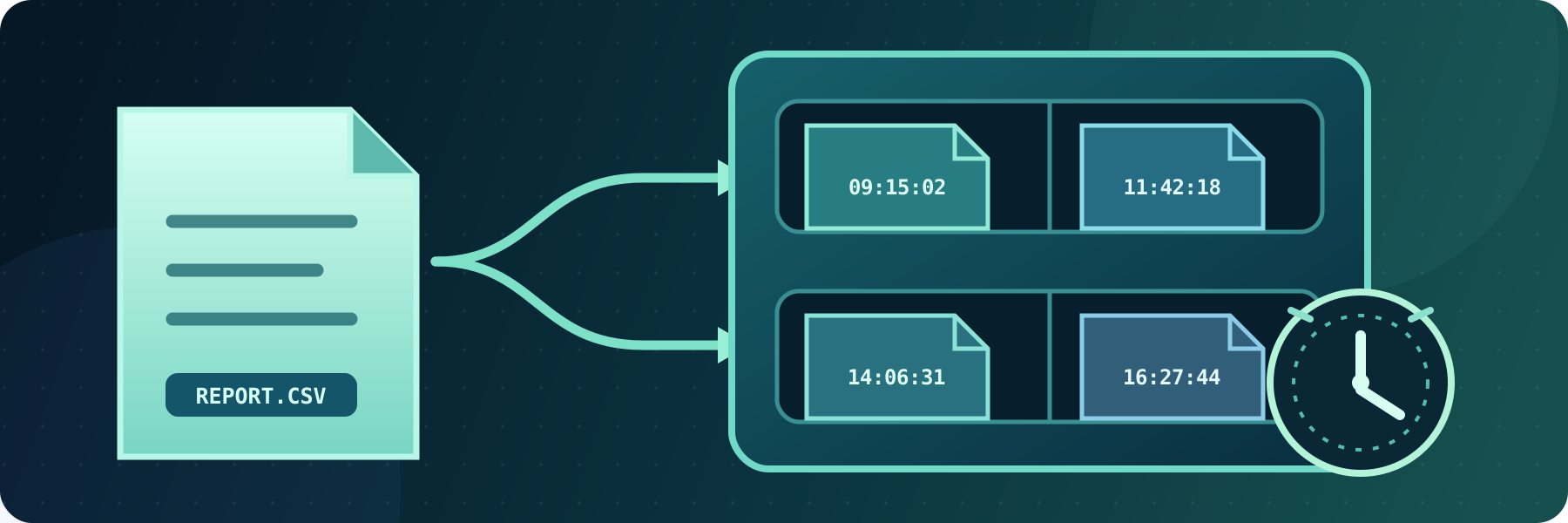
Archive transferred files locally or remotely, preserve repeated file names with timestamps, and automatically remove files after their retention period.
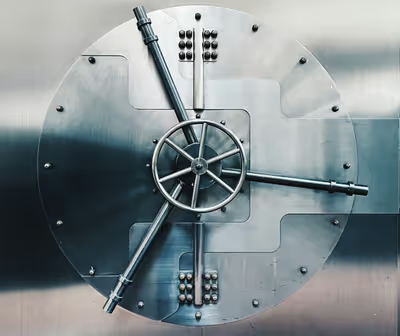
Review the modern protocols, ciphers, and OpenSSL support used by SFTPPlus MFT to protect file transfers.
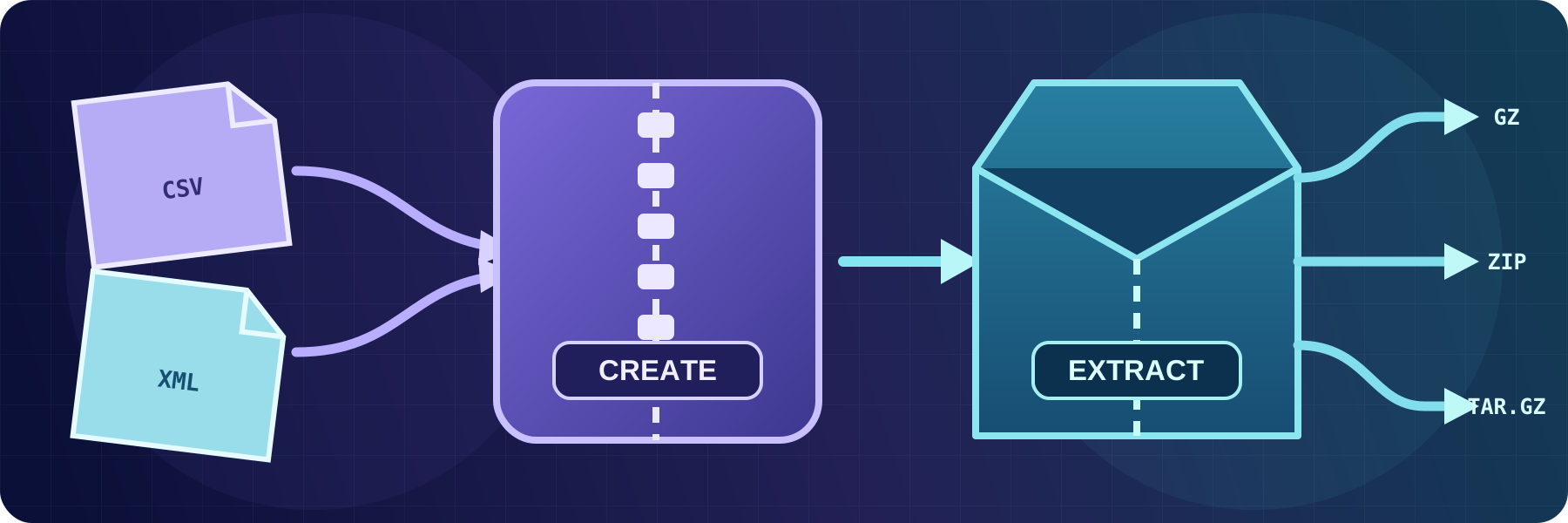
Compress files into GZIP or ZIP archives and automatically extract GZIP, TAR, TAR.GZ, TAR.BZ2, or ZIP content, including password-protected ZIP files.
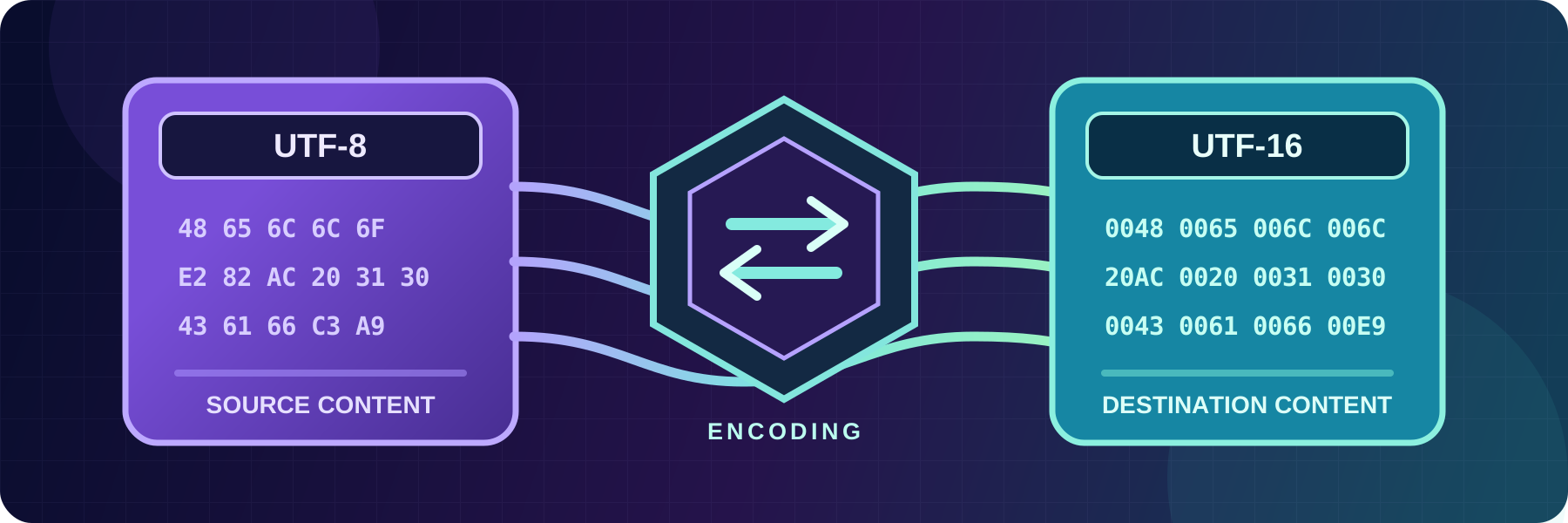
Convert text files between UTF-8, UTF-16, ASCII, and ISO-8859-15 while transferring them, without changing the source file.

Inspect incoming text files for expected or unwanted values, then notify other systems or generate a file digest. This allows validating the file content in automated workflows.