'%20d='M0%200h800v400H0z'%20/%3e%3ccircle%20cx='400'%20cy='200'%20r='190'%20fill='%234faac9'%20opacity='0.04'%20/%3e%3cg%20fill='none'%20stroke-width='2'%3e%3cellipse%20cx='400'%20cy='200'%20rx='170'%20ry='70'%20stroke='%2398d5e7'%20/%3e%3cellipse%20cx='400'%20cy='200'%20rx='156'%20ry='70'%20transform='rotate(52%20400%20200)'%20stroke='%238b9fcc'%20/%3e%3cellipse%20cx='400'%20cy='200'%20rx='156'%20ry='70'%20transform='rotate(-52%20400%20200)'%20stroke='%236cabce'%20/%3e%3c/g%3e%3ccircle%20cx='400'%20cy='200'%20r='74'%20fill='%23142b45'%20stroke='%23496e8f'%20/%3e%3cpath%20d='M365%20144h46l27%2027v76a9%209%200%200%201-9%209h-64a9%209%200%200%201-9-9v-94a9%209%200%200%201%209-9Z'%20fill='url(%23file)'%20/%3e%3cpath%20d='M411%20144v27h27'%20fill='%236eabc4'%20/%3e%3cg%20fill='none'%20stroke='%23315d79'%20stroke-width='5'%20stroke-linecap='round'%20stroke-linejoin='round'%3e%3cpath%20d='M374%20193h46M374%20208h30M374%20234h41m-9-8%209%208-9%208'%20/%3e%3c/g%3e%3cg%20transform='translate(304%2093)'%3e%3ccircle%20r='26'%20fill='%23132640'%20stroke='%23a9b8e3'%20stroke-width='2'%20/%3e%3cg%20fill='none'%20stroke='%23d2dcff'%20stroke-width='3'%20stroke-linecap='round'%20stroke-linejoin='round'%3e%3ccircle%20cx='-7'%20cy='-3'%20r='7'%20/%3e%3cpath%20d='m-1%202%2013%2013m-6-6%205-5m-1%209%205-5'%20/%3e%3c/g%3e%3c/g%3e%3cg%20transform='translate(570%20200)'%3e%3ccircle%20r='26'%20fill='%23142e46'%20stroke='%2398d5e7'%20stroke-width='2'%20/%3e%3crect%20x='-11'%20y='-2'%20width='22'%20height='19'%20rx='3'%20fill='none'%20stroke='%23c6f0fa'%20stroke-width='3'%20/%3e%3cpath%20d='M-7-2v-8a7%207%200%200%201%2014%200v8M0%205v5'%20fill='none'%20stroke='%23c6f0fa'%20stroke-width='3'%20stroke-linecap='round'%20/%3e%3c/g%3e%3cg%20transform='translate(304%20307)'%3e%3ccircle%20r='26'%20fill='%23132c44'%20stroke='%2383bed9'%20stroke-width='2'%20/%3e%3crect%20x='-11'%20y='-14'%20width='22'%20height='28'%20rx='3'%20fill='none'%20stroke='%23b8e0f2'%20stroke-width='3'%20/%3e%3cpath%20d='M-5-7H5M-5%200H5M-5%207H1'%20stroke='%23b8e0f2'%20stroke-width='3'%20stroke-linecap='round'%20/%3e%3c/g%3e%3c/svg%3e)
Support your SOC 2 controls with SFTPPlus MFT
Use encrypted transfers, access controls, and audit logs as part of your organization's approach to SOC 2, with file storage under your control.
Continue reading


Stay informed with product updates, company news, and insights on how to optimize and secure your file transfers.
Use encrypted transfers, access controls, and audit logs as part of your organization's approach to SOC 2, with file storage under your control.



Send SFTPPlus MFT event metadata to ERP, collaboration, and monitoring services through HTTP webhooks.

Manage authentication, file access, account expiration, password age, inactive users, home-folder cleanup, and login reporting from SFTPPlus MFT.

Select files by name, age, and transfer history so recurring workflows move only the files they need.
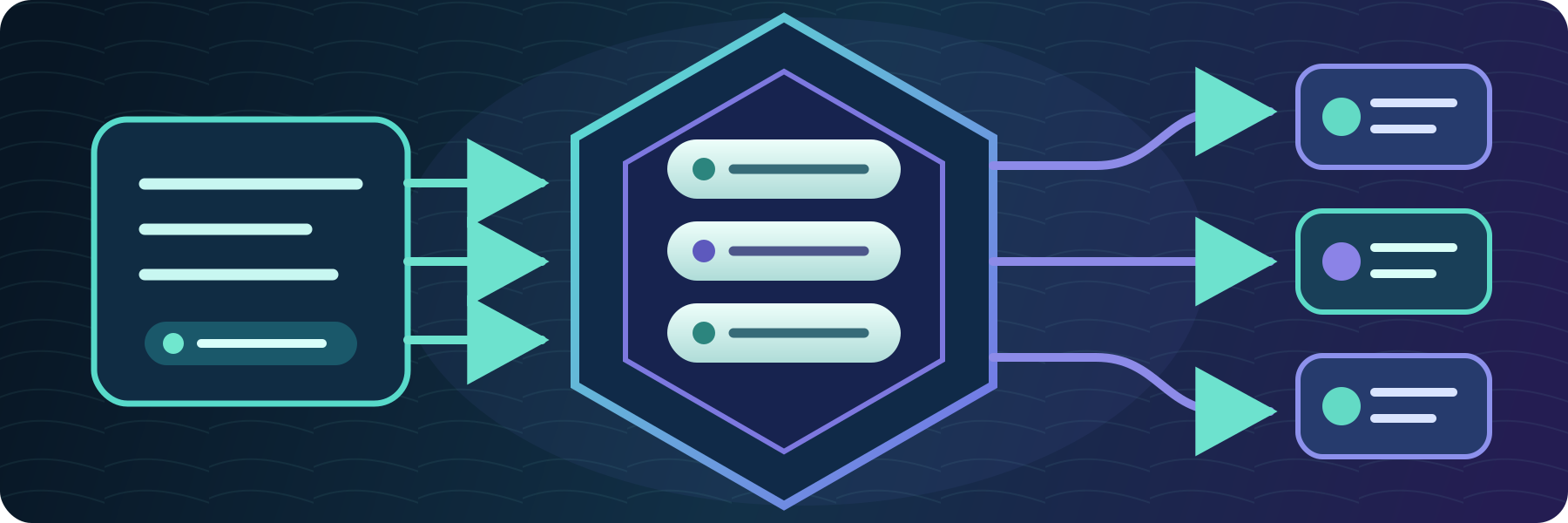
Publish selected SFTPPlus MFT audit events to RabbitMQ queues so other applications can react to file transfer activity.

Connect SFTPPlus MFT to cloud services through HTTP or SOCKS5 proxies, and publish its web interfaces behind a reverse proxy or application gateway.

Bind partner accounts and groups to their expected source networks, adding identity-aware access control beyond a network firewall.
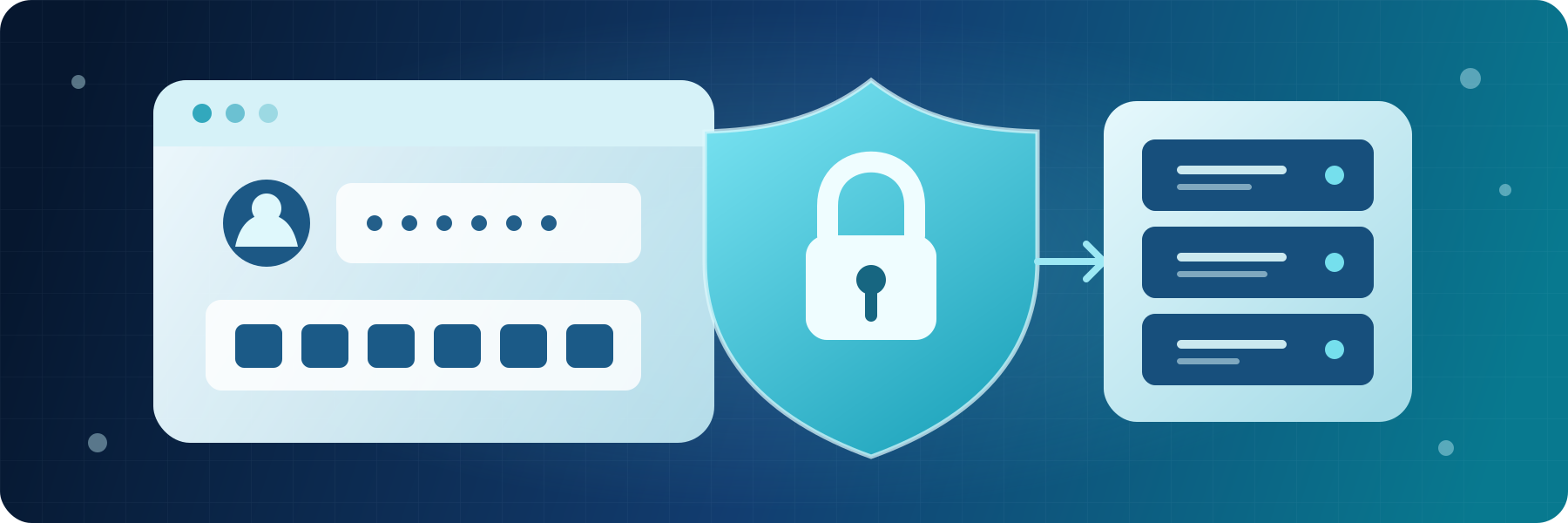
Use native TOTP or external identity providers to protect Web Client, SFTP, FTPS, and administrator logins with more than a password.

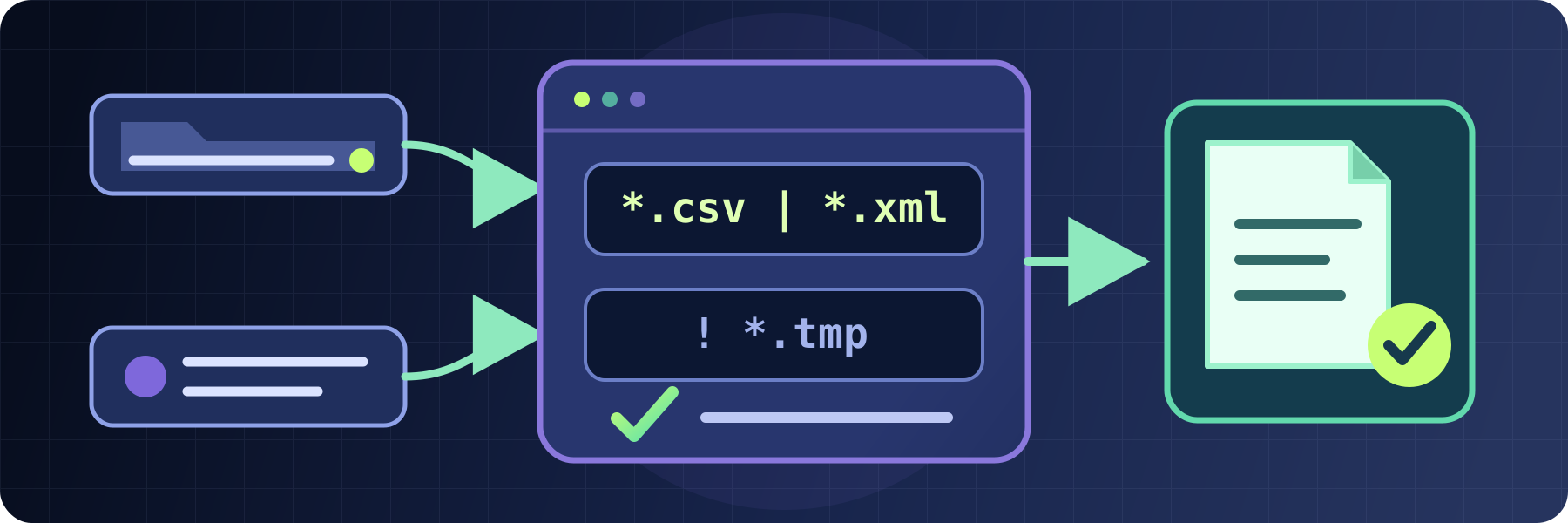
Use readable glob patterns or precise regular expressions to select and exclude files, events, and other values across SFTPPlus MFT.