

Multi-factor authentication for web, SFTP, and FTP logins
Use native TOTP or external identity providers to protect Web Client, SFTP, FTPS, and administrator logins with more than a password.
- Updated
- 2026-08-19
Protect file transfer logins with MFA
A password can be disclosed through phishing, credential reuse, or an infected device. Multi-factor authentication (MFA) reduces the value of a stolen password by requiring another form of proof before access is granted.
Two-factor authentication (2FA) is the most common form of MFA. It typically combines something the user knows, such as a password, with something the user has, such as an authenticator application or hardware token.
SFTPPlus MFT can enforce MFA in two ways:
- Use the native Time-based One-Time Password (TOTP) support embedded in SFTPPlus.
- Integrate with an external service that performs MFA, such as Microsoft Entra ID, Okta, Google Identity, or a RADIUS server.
These options cover interactive browser logins, modern SFTP clients, and older FTP or SFTP software that only provides a username and password field.
Native TOTP without an external identity service
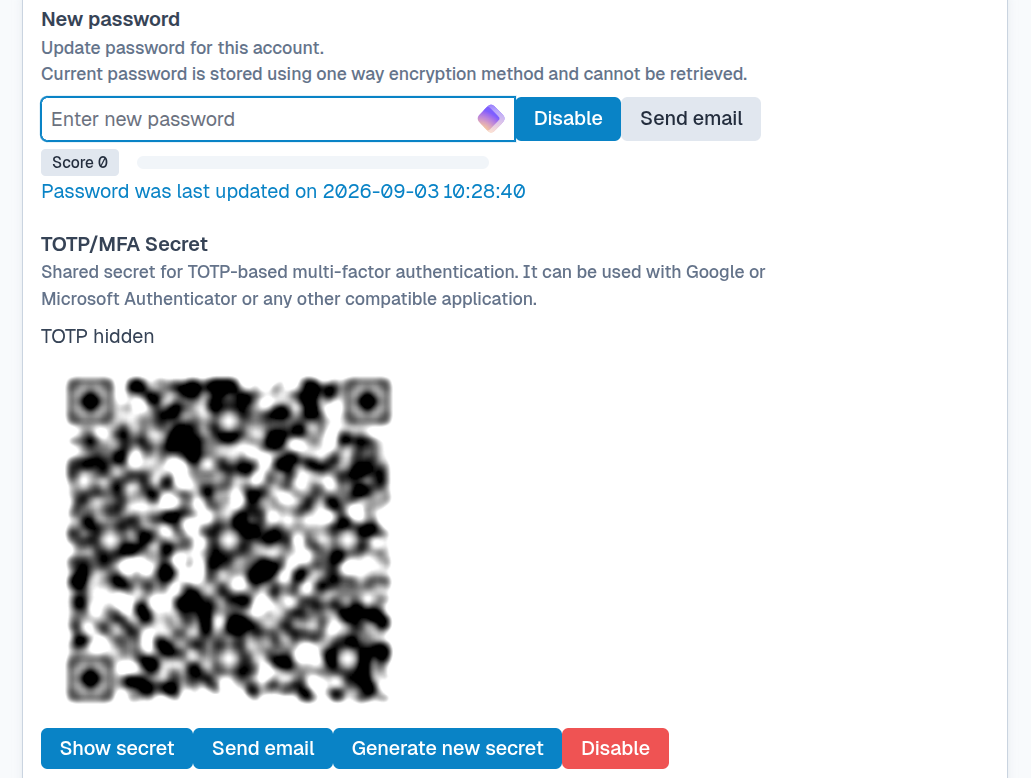
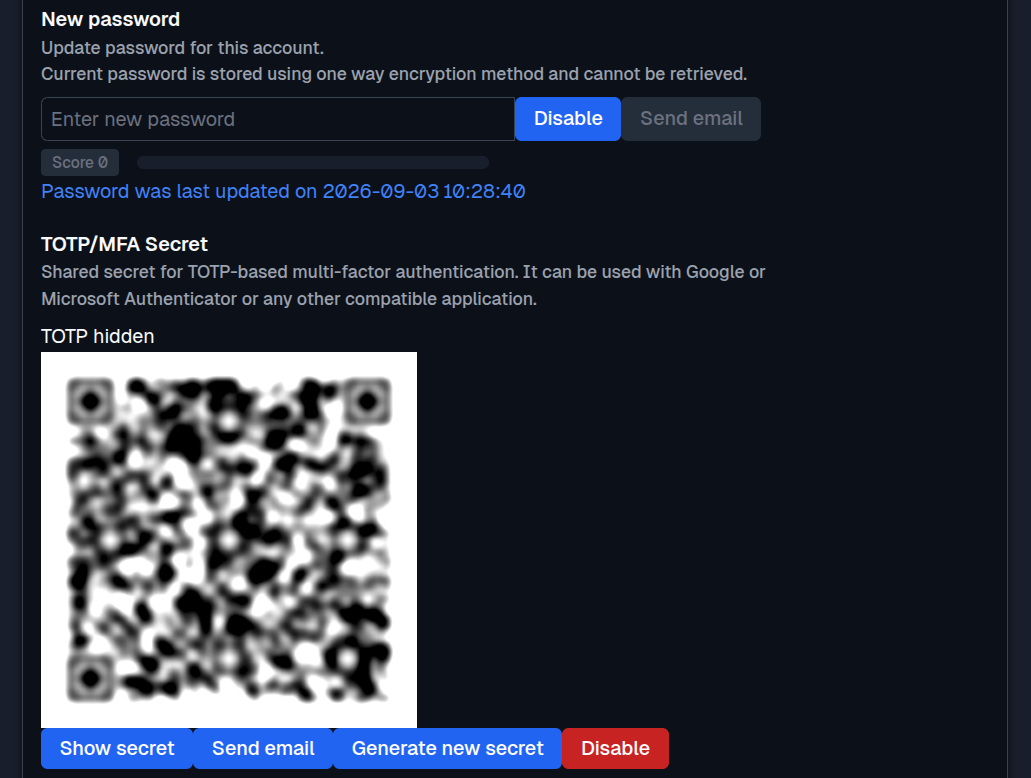
SFTPPlus MFT includes TOTP authentication for application users and administrators. The user obtains a short-lived code from a standard authenticator application and provides it in addition to the account password. Both credentials must be valid before SFTPPlus grants access.
For Web Client logins, users enter their password and current TOTP code through the browser login process. The same native TOTP protection is available for administrator access to Web Manager. This keeps MFA within the SFTPPlus deployment and does not depend on a cloud identity provider or another authentication server.
MFA for SFTP, FTP, and legacy clients
File transfer protocols and clients do not all collect credentials in the same way. SFTPPlus adapts the TOTP login flow to the capabilities of the client:
| Login method | How the user provides the TOTP code |
|---|---|
| Web Client and Web Manager | The browser login process collects the password and current TOTP code. |
| SFTP and SCP with keyboard-interactive authentication | The SSH client can display separate prompts for the primary credential and the TOTP code. |
| FTP, FTPS, and clients with only one password field | The user appends the current TOTP code directly after the regular password in the password field. |
SSH keyboard-interactive authentication is useful with modern SFTP clients because it can request each credential separately. SFTPPlus supports this advanced SSH authentication flow without requiring a proprietary client.
FTP and FTPS only provide the traditional username and password exchange. Some older SFTP clients also expose only a single password field. For these clients, appending the TOTP code to the password carries both factors through the existing login form. This allows organizations to add native MFA without immediately replacing legacy FTP or SFTP software.
MFA through an external identity provider
SFTPPlus can also rely on an external service to perform MFA. In this model, the external service validates the additional factor while SFTPPlus applies the user's file access permissions and records the session in its audit trail.
For browser-based access, SFTPPlus integrates with OpenID Connect identity providers such as Microsoft Entra ID, Okta, and Google Identity. For example, an organization can require MFA and conditional access in Entra ID, then use the same policy for SFTPPlus Web Client and Web Manager logins. The user authenticates with Microsoft, and SFTPPlus does not handle the user's Entra ID password or MFA credential.
Add a second factor through RADIUS
RADIUS is useful when the primary identity source only validates a username and password. SFTPPlus can use RADIUS as a second authentication method after a Windows operating system, Active Directory, LDAP, or another primary method has accepted the user.
Access is granted only after the primary method and the RADIUS second factor both accept the login. SFTPPlus can work with any compatible RADIUS server, including services that provide push notifications, SMS codes, software tokens, or hardware tokens. For SFTP access, an SSH public key can also be used as the primary credential before SFTPPlus requests the RADIUS second factor.
For a concrete example, see RSA SecurID authentication for file transfers. Read more about RADIUS authentication for FTP and SFTP or review the authentication configuration documentation for deployment details.
Choose the MFA method that fits each service
Native TOTP is suitable when you want MFA for SFTPPlus-managed users without operating another identity service. OpenID Connect integrations are a natural choice for browser users whose organization already manages sign-in policies in Entra ID, Okta, or Google Identity. RADIUS can add a second factor to existing Windows, Active Directory, or LDAP authentication without moving those accounts to a new directory.
A single SFTPPlus deployment can use different authentication methods for different services and user groups. This makes it possible to protect modern browser access while retaining compatible MFA flows for established FTP and SFTP clients.