

Filter files during automated transfers
Select files by name, age, and transfer history so recurring workflows move only the files they need.

- Updated
- 2026-08-25
Recurring file transfer workflows often watch a folder where several kinds of files arrive. Only some of those files may belong in a particular workflow. SFTPPlus MFT uses transfer filters to select the right files and avoid moving temporary, outdated, or already processed files.
Wait until files are ready
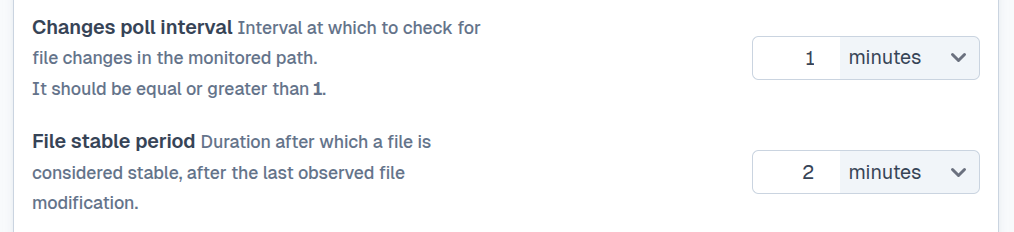
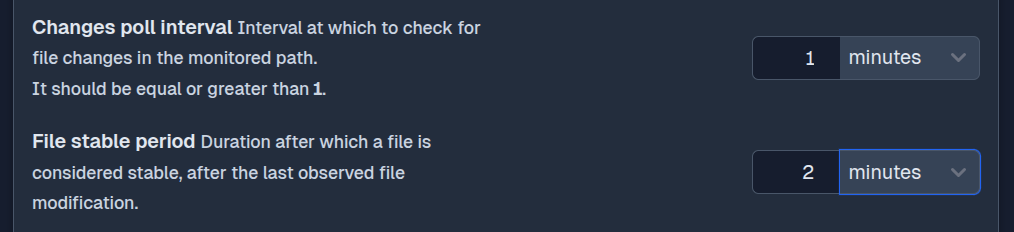
SFTPPlus can monitor a source directory for new or modified files. Before starting a transfer, it checks that a file is stable and no other process is still writing to it. This prevents a workflow from picking up a partial file.
Match files by name
The simplest filter selects files by name. You can use:
- Glob expressions, such as
*.csvorreport_*.txt. - Regular expressions for more specific matching rules.
Rules can be inclusive, to select only matching files, or exclusive, to leave particular files out. This makes it possible to separate files for different partners, applications, or processing stages.
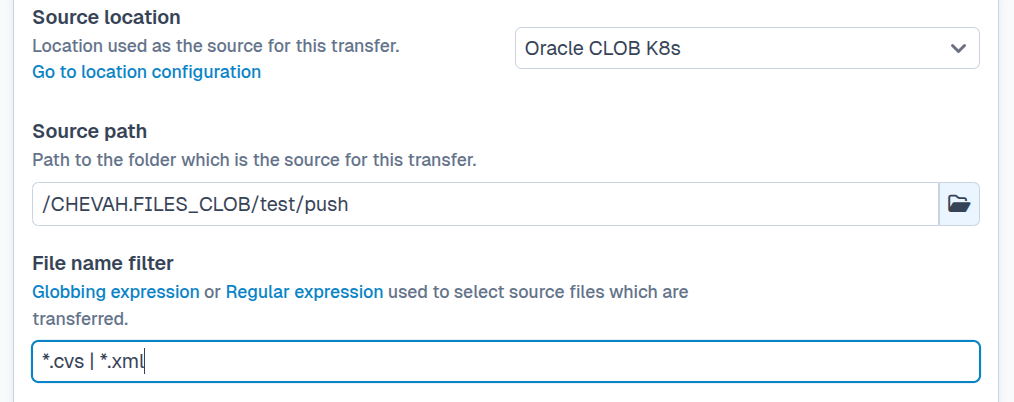
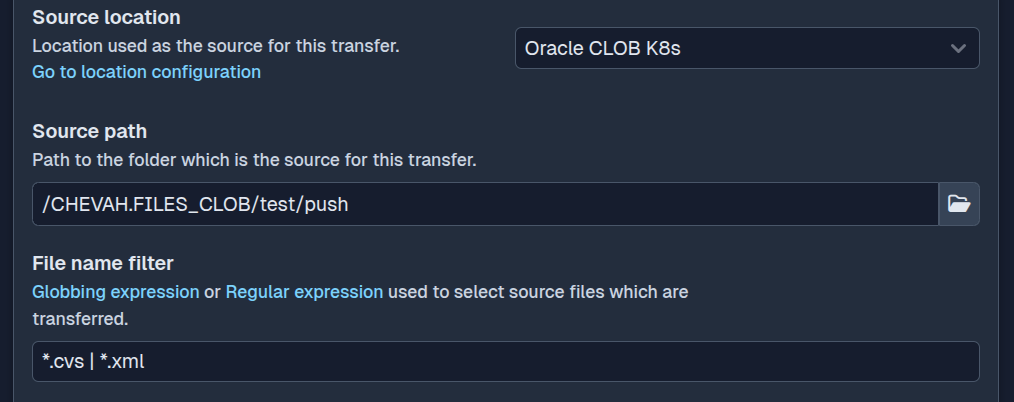
For more advanced rules, see how to use matching expressions across SFTPPlus. The matching expression documentation provides the complete globbing and regular expression syntax.
Match names containing the current date
Date and time placeholders let a transfer select files whose names correspond to the current processing period. For example, the expression t/report_{year.decimal}-{month.padded}-{day.padded}.csv/ matches today's daily report.
SFTPPlus evaluates the placeholders whenever it applies the filter. Rules can use the current year, month, day, hour, minute, or second, and can apply an offset such as the previous day. This allows a scheduled download to select today's file without changing the transfer configuration every day.
Filter files by age
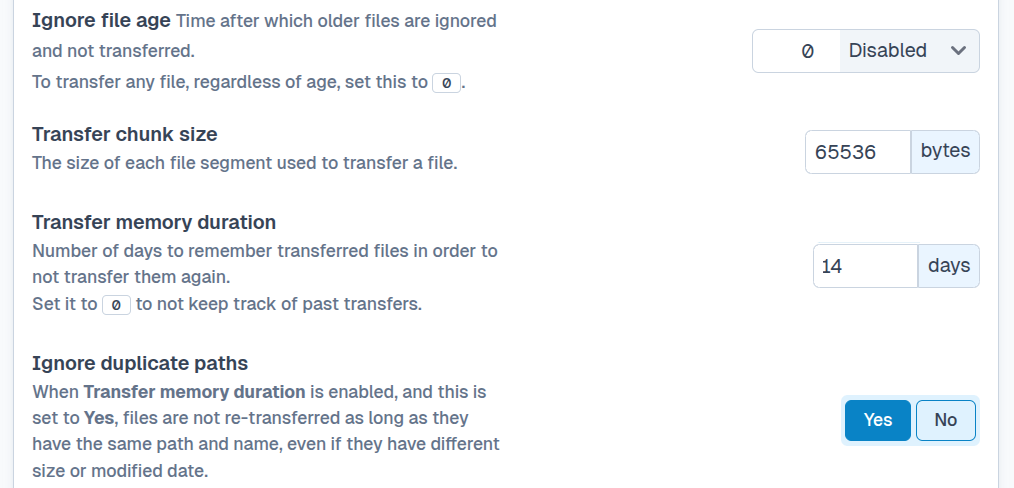
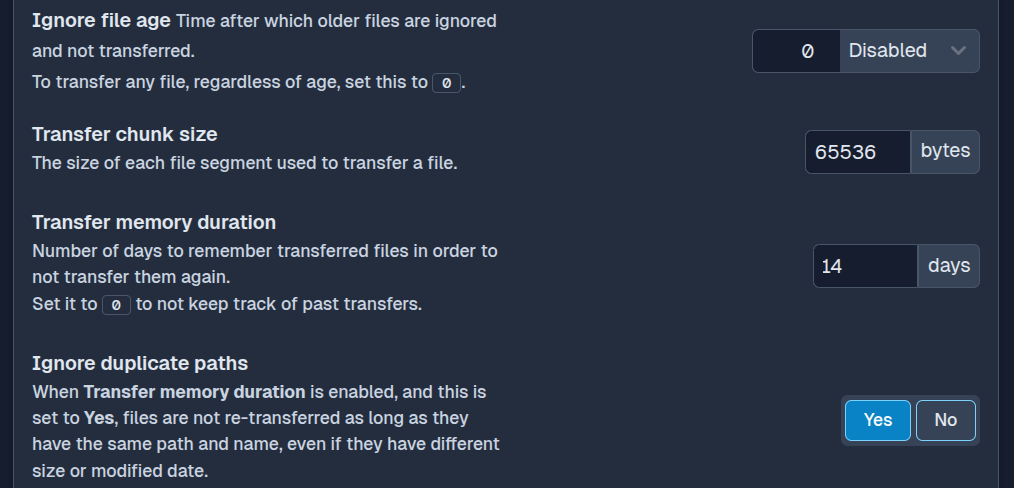
Name matching can be combined with file age. For example, a transfer can ignore files that are too old or select only files created or modified within a recent time window. Age filters help avoid stale files and temporary files that should not be moved by a recurring workflow.
Avoid transferring the same file twice
SFTPPlus can remember details about files transferred in the past, including their names and sizes. You can configure a transfer to:
- Skip files with names that have already been transferred.
- Transfer a file again only when its size or content has changed.
- Apply a stricter policy when small changes should not trigger another transfer.
These options reduce unnecessary retransmissions and help workflows handle large numbers of files without custom tracking scripts.
Combine filters in one workflow
Name, age, and transfer history rules can be used together. For example, a transfer can select only .xml files modified within the last 24 hours and skip files that have already been sent.
This gives recurring transfers a precise selection rule while keeping the workflow manageable as the source folder grows.
The transfer configuration documentation describes the low-level options and configuration examples.