Automate File Emailing
This article explores how SFTPPlus MFT software enables organizations to automatically monitor local or remote files and securely send them as email, streamlining file distribution and enhancing operational efficiency.
This is a subset of our news articles, filtered by publication year.

This article explores how SFTPPlus MFT software enables organizations to automatically monitor local or remote files and securely send them as email, streamlining file distribution and enhancing operational efficiency.

We have released SFTPPlus version 5.12.0 with improved support for OpenID Connect single sign-on methods like Google and Okta.

This article outlines how to use Let's Encrypt certificates to secure HTTPS load balanced file transfer services, explaining the process of obtaining, configuring, and renewing certificates using SFTPPlus MFT.

You can use the standard SSH banner functionality to send login notification to your SFTP users. It provides legal coverage, improves user experience, and strengthens overall access control.

See how you can use SFTPPlus MFT to integrate Purview label discovery and security enforcement to protect sensitive and business-critical information on your legacy FTP server.

We have released SFTPPlus version 5.11.0 which continues to improve our support for Purview and adds support for synchronizing multiple SFTPPlus instances inside a load balancer.
Authenticate SFTP, FTPS, and HTTPS users through an existing RADIUS service, with support for group mapping and multi-factor authentication.
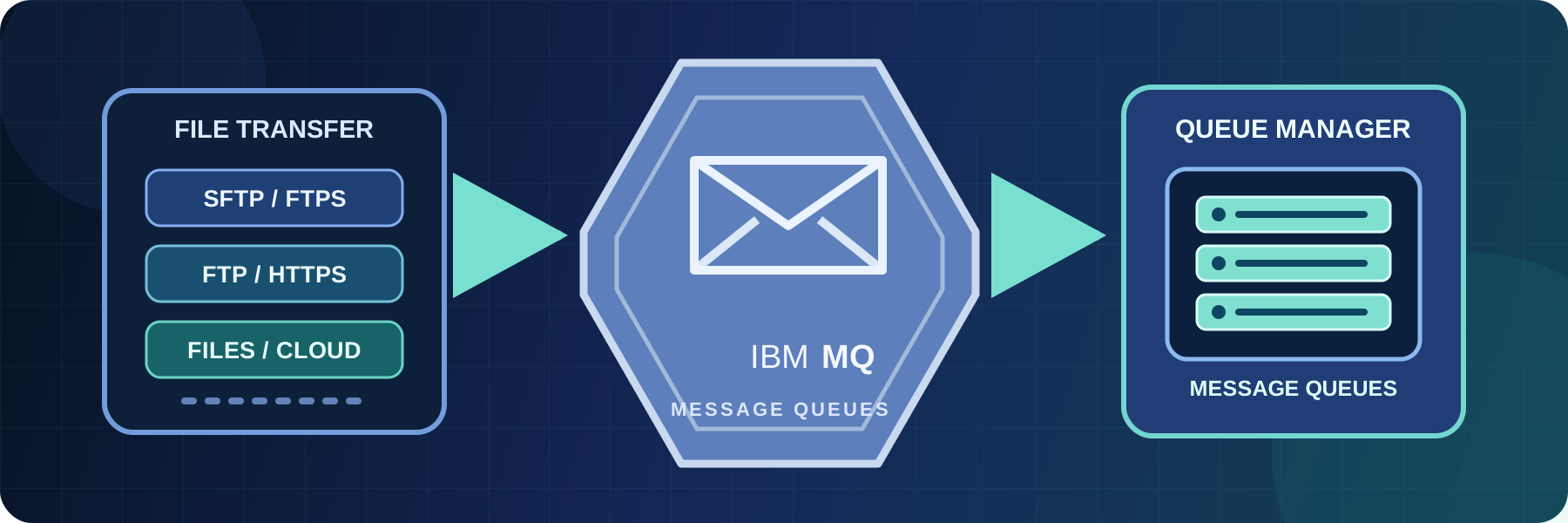
Exchange files with IBM MQ queues using SFTPPlus MFT. Learn about queue connections, TLS certificates, file-to-message workflows, and connector limits.

Discover how SFTPPlus can help your organization comply with the General Data Protection Regulation (GDPR) while ensuring secure and efficient file transfers. This guide explores the key aspects of GDPR compliance related to data protection, security, and file transfer integrity.
You can integrate SFTPPlus MFT with Okta OpenID Connect to implement Single Sign-On (SSO) for file transfer operations as well as for administrative access.