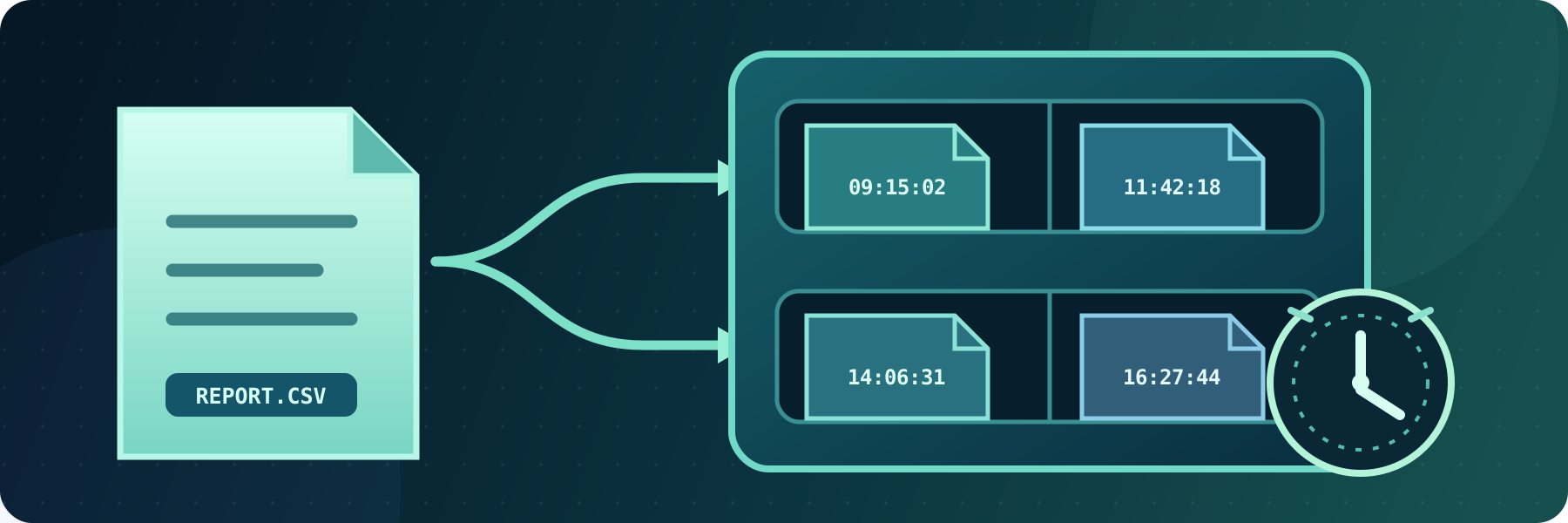
Archive and retain transferred files
Archive transferred files locally or remotely, preserve repeated file names with timestamps, and automatically remove files after their retention period.
Continue reading


This is a subset of our news articles, filtered by tag.
Archive transferred files locally or remotely, preserve repeated file names with timestamps, and automatically remove files after their retention period.

SFTPPlus Appointed to UK Government’s Digital Outcomes and Specialists 7 (DOS7) Framework
With SFTPPlus you can automate sending files as part of the Data Transmission Utility UK (UKDTU). The file transfer is secured using modern standard SFTP encryption.
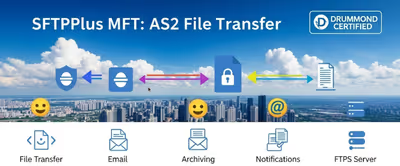
In this article, we highlight the protocols supported by SFTPPlus MFT, categorized by server-side and client-side roles.

Use SFTPPlus MFT to manage and automate your file transfers within your organization, or between your organization and your trading partners.

You can use the standard SSH banner functionality to send login notification to your SFTP users. It provides legal coverage, improves user experience, and strengthens overall access control.
See how you can use SFTPPlus MFT to integrate Purview label discovery and security enforcement to protect sensitive and business-critical information on your legacy FTP server.
Discover how SFTPPlus can help your organization comply with the General Data Protection Regulation (GDPR) while ensuring secure and efficient file transfers. This guide explores the key aspects of GDPR compliance related to data protection, security, and file transfer integrity.

SFTPPlus completed the Drummond AS2-4Q24 interoperability event. Here are the practical compatibility lessons from testing with other AS2 products.
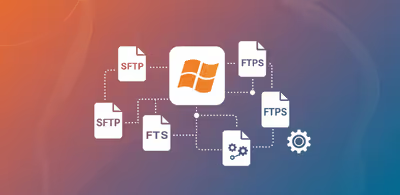
Check how SFTPPlus can help automate sending files to DWP Cloud using the DWP SFTE platform.