

GeoIP filtering for file transfers
Control incoming file transfer access by the country or autonomous system associated with a source IP address, with rules for services and partners.
- Published
- 2026-10-28
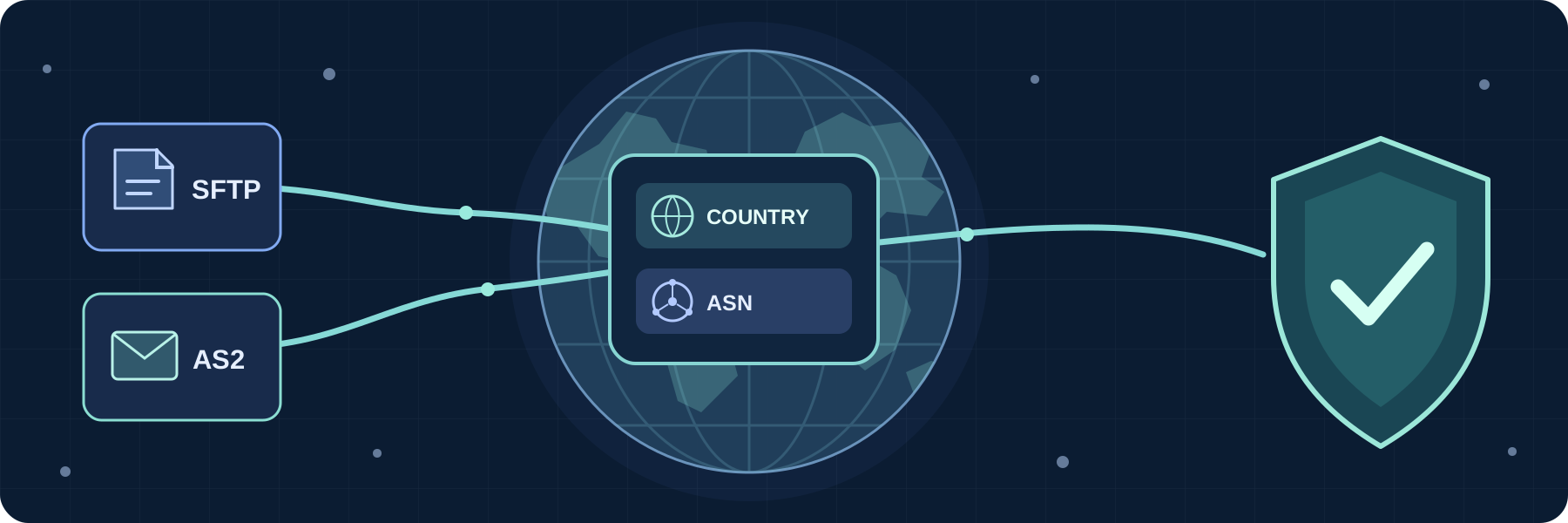
SFTPPlus MFT can filter incoming file transfer connections by the country or autonomous system (ASN) associated with their source IP address. These GeoIP rules help you limit access to expected regions or network providers without maintaining a list of every address they use.
The same source IP filter also accepts individual IPv4 and IPv6 addresses and CIDR ranges when a precise network rule is more suitable. The rules control authentication and access to protected resources after a connection reaches SFTPPlus MFT; a firewall is needed to block the network connection itself.
For example, an SFTP service can reject authentication from a country where it has no partners, while an AS2 trading partner account can accept messages only from the autonomous system used by that partner's gateway.
The same rules apply to every other incoming file transfer protocol supported by SFTPPlus MFT Server, including FTPS and HTTPS. It does not change how SFTPPlus makes outbound client transfers.
Privacy and GeoIP data accuracy
GeoIP data is an estimate. A cloud gateway, VPN, or shared provider can make the associated country or ASN different from what you expect, and private or unlisted addresses may have no GeoIP match. Confirm the addresses your partners actually use and add precise IP or CIDR rules where needed.
SFTPPlus performs GeoIP lookups locally using a bundled database, so it does not send client IP addresses to an external lookup service.
The Web Manager activity log also shows the estimated country and ASN for newly recorded events, which can help investigate unexpected transfer attempts.
Apply country rules to an SFTP service
An organization that receives SFTP files from a defined set of regions can add country rules to the security policy used by its SFTP service. The policy can reject authentication from addresses associated with a particular country and continue the usual security checks for other sources. Different services can use different policies, so a public partner endpoint and an internal endpoint need not share the same rules.
A country rule uses a two-letter country code, such as GB or DE. The country comes from SFTPPlus MFT's GeoIP database lookup of the connecting address, not from a user's profile or an SFTP client setting. Users still need valid credentials and the permissions required for their transfers.
Restrict an AS2 partner by network provider
An autonomous system number identifies the network that announces an IP address. An ASN rule can be useful when an AS2 partner sends messages through several addresses operated by the same provider, making a short list of fixed IP addresses impractical. In the Web Manager, select the ASN number value kind and enter the number, for example 15169; the rule is stored as ASN15169.
Apply the rule to the partner account or a shared group when that partner should connect only through the selected network. Account and group rules also work for SFTP users, so each partner can have its own expected source country, ASN, address, or network range. For AS2, source IP filtering is especially useful when receiving messages without HTTP authentication. Where possible, use HTTP authentication and certificate checks as additional ways to verify the partner. See source IP validation for each user for how account and group rules protect partner identities.
Choose rules that match your access policy
The Web Manager lets administrators choose country and ASN values for account, group, administrator, role, security policy, and cluster pool filters. This means the same rule types can protect partner logins, management access, and connections between cluster nodes.
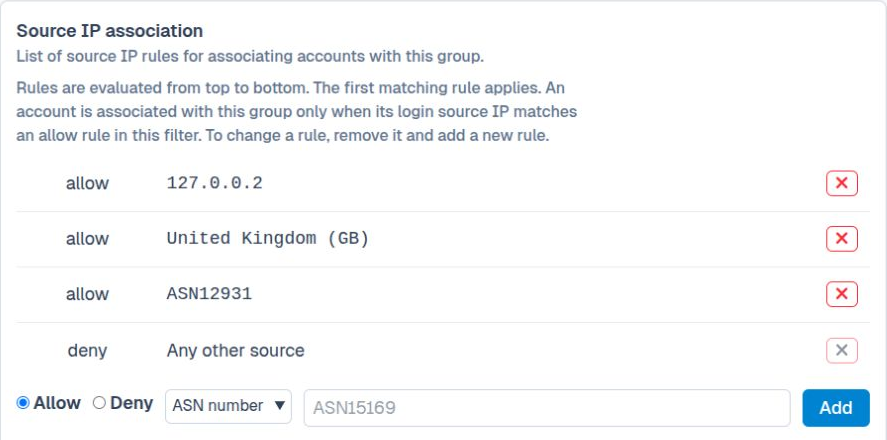
For rule syntax, match behavior, and Web Manager instructions, see the source IP filtering documentation and security policy documentation. The GeoIP database documentation explains how the country and ASN information is resolved.
When a proxy or load balancer fronts a service, configure it to pass the original client address to SFTPPlus MFT so the rules evaluate the intended source.