SFTPPlus Release 5.13.0
We have recently released SFTPPlus version 5.13.0 with a focus on improving the SFTPPlus cluster capabilities.
Continue reading


Stay informed with product updates, company news, and insights on how to optimize and secure your file transfers.
We have recently released SFTPPlus version 5.13.0 with a focus on improving the SFTPPlus cluster capabilities.

You can use SFTPPlus to deploy a SFTP server with any TCP network load balancer, including cloud or on-premise deployments.

SFTPPlus MFT allows you to implement file transfers in which it acts as a server or a client. This article explores how SFTPPlus MFT supports server- side, client-side, and combined deployments to create a centralized, reliable file distribution system.
If your business needs to securely handle HTTP file uploads, downloads, and automated transfers at scale, SFTPPlus MFT is a powerful and flexible solution.

You can use SFTPPlus to deploy a SFTP server with any TCP network load balancer, including cloud or on-premise deployments.

Use SFTPPlus MFT to implement high availability FTP client transfers, with configuration and audit logs automatically distributed inside the cluster.

SFTPPlus supports load balancer deployment, including FTP passive mode handling and automatic configuration synchronization.
SFTPPlus MFT can be used to integrate your on-premise application with files received as Exchange Online / Office 365 attachments, allowing them to be accessed via an FTP or SFTP server.
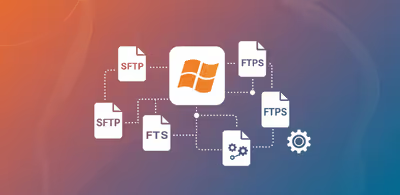
In this article, we highlight the protocols supported by SFTPPlus MFT, categorized by server-side and client-side roles.

Use SFTPPlus MFT to manage and automate your file transfers within your organization, or between your organization and your trading partners.
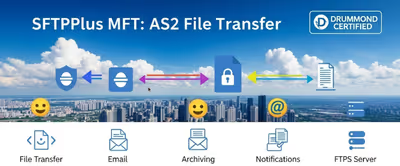
Use SFTPPlus MFT to connect existing SFTP workflows to AS2 trading partners. Users keep their familiar tools while SFTPPlus handles AS2 messages and receipts.

Automate Exchange Online attachment delivery with support for SFTP or FTPS, or move attachments to Azure BLOB or other cloud storage solutions.