
SFTPPlus Release 5.19.0
SFTPPlus version 5.19.0 was released with support for IBM MQ transfer.
Continue reading


Stay informed with product updates, company news, and insights on how to optimize and secure your file transfers.
SFTPPlus version 5.19.0 was released with support for IBM MQ transfer.

SFTPPlus version 5.18.0 was released and includes major changes to the path selector UI, new UI to test configuration changes without saving the changes, support for Oracle Database locations, and improvements to the command line tools.
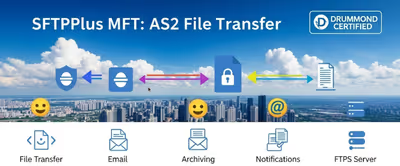
We have released SFTPPlus version 5.17.0 with improvements to SharePoint Online transfers from large directories and better archiving options for transfers.
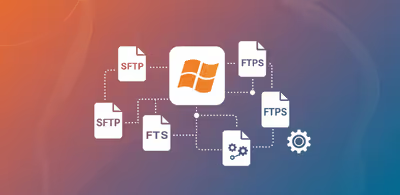

Retry connection and file operation failures, preserve source data, and alert operators when an automated transfer needs attention.

SFTPPlus 5.16.0 adds enforced SSH public key algorithm control, SharePoint Online location, and multiple reliability improvements.

We have released SFTPPlus version 5.15.0 with defect fixes and improved security for Let's Encrypt certificates, as well as general certificate management improvements.

SFTPPlus version 5.14.0 was released and includes changes to OpenID Connect authentication methods: EntraID, Google Identity and Okta.

See how you can use SFTPPlus MFT to receive files in Workday cloud ERP from non cloud-native FTP or SFTP clients.

Exchange files between SAP and your partners without writing SFTP code in SAP. SFTPPlus MFT manages the transfers and can trigger an existing SAP workflow through XML SOAP hooks. Perpetual licences start at USD $1,900, with no per-partner or per-transfer licence fees.

SFTPPlus MFT allows for user authentication via the RADIUS protocol, including integration with Active Directory MFA via Microsoft's Network Policy Server
With SFTPPlus you can automate sending files as part of the Data Transmission Utility UK (UKDTU). The file transfer is secured using modern standard SFTP encryption.