

Email attachment transfers with SFTPPlus MFT
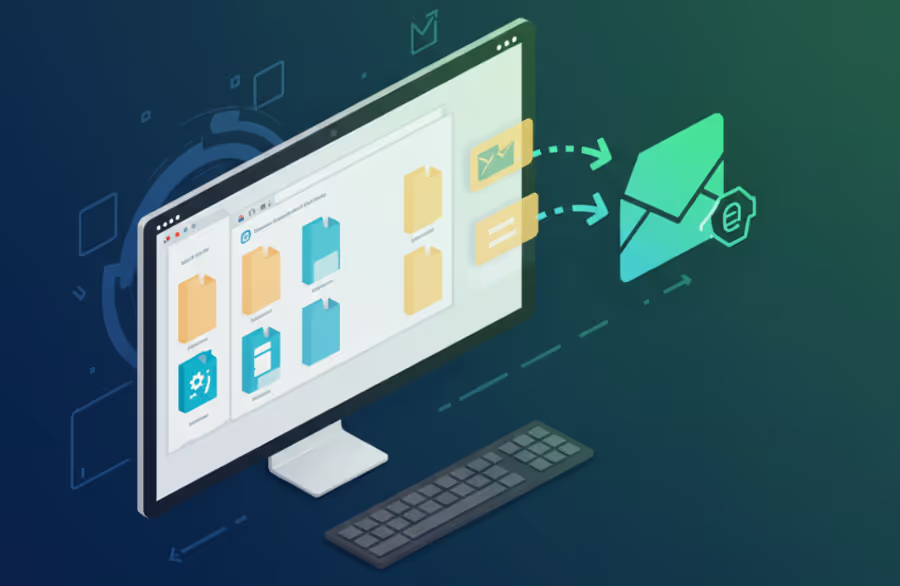
SFTPPlus can send files as email attachments, extending its capabilities beyond traditional file transfer protocols.
- Updated
- 2026-10-15
Sending Files as Email Attachments
The SFTPPlus file transfer solution includes an integrated SMTP email client. This feature provides a direct and reliable method for transferring files by attaching them to emails. The client is designed to be highly compatible, capable of connecting to any standard SMTP server. This broad compatibility means that SFTPPlus can be integrated with existing mail infrastructure, whether it's an internal corporate server or a third-party service.
When configuring a file transfer job in SFTPPlus, users can select the option to send the file via email. The system then uses its internal SMTP client to handle the entire process. This includes:
- Establishing a secure connection to the specified SMTP server.
- Authenticating with the server using standard credentials.
- Constructing the email message with the transferred file as an attachment.
- Sending the email to the designated recipients.
This approach simplifies workflows where files need to be delivered to recipients who rely on email for communication, bypassing the need for separate email client software or manual processes. The integration ensures that the file transfer and email delivery are handled within a single, unified system, providing better control and logging of the entire process.
Bridging Diverse File Sources to Email
One of the key strengths of SFTPPlus's email attachment feature is its ability to act as a bridge between various file sources and email delivery. The solution's design allows it to retrieve files from a wide range of protocols and locations, then automatically forward them as email attachments.
This makes it possible to create seamless automated workflows where files originating from different systems are delivered to email recipients without manual intervention. For example, SFTPPlus can be configured to:
Monitor an SFTP server folder: When a new file is uploaded, SFTPPlus can automatically download it and email it as an attachment to a predefined list of recipients.
Fetch files from a Web server (HTTP/S): A scheduled task can retrieve a specific report or file from an internal or external web server and send it via email.
Retrieve documents from cloud storage: Connect to Azure Blob Storage, SharePoint Online, or similar services to download files and distribute them through email.
Access on-premise Windows Shares: Use the integrated Windows Share support to retrieve files from a network drive and email them.
Connect to any other supported protocol: SFTPPlus's extensive protocol support allows it to pull files from a variety of sources, including FTP, FTPS, and more, and then use email as the final delivery method.
This bridging capability streamlines the process of sharing documents and data across disparate systems, making email a universal delivery channel for files regardless of their original location.
Get support and consultancy from file transfer experts
For over 20 years, our support team has assisted customers in implementing secure file transfer solutions, from migrating off legacy systems to modern SFTP and cloud-based platforms.
If you need assistance setting up your email transfers or have any questions about integrating this feature into your workflow, don't hesitate to contact our experienced support team for guidance.