

Operating System users
Authenticate SFTPPlus MFT users against Windows or Linux accounts, then choose which operating system identity performs their file operations.
- Updated
- 2026-10-15
Organizations often already manage local or domain accounts for access control and auditing. SFTPPlus MFT can authenticate these operating system (OS) users directly, without recreating or synchronizing their credentials in a separate user database.
Authenticated OS users can access SFTP, FTPS, HTTPS file transfer services, and the SFTPPlus Web Manager. This supports existing account management and legacy workflows while protecting transfers with modern protocols.
Supported account sources
On Linux, SFTPPlus supports local accounts and authentication through Pluggable Authentication Modules (PAM). Depending on the host configuration, PAM can connect to services such as LDAP or System Security Services Daemon (SSSD).
On Windows, SFTPPlus supports local Windows accounts and Active Directory accounts when the server belongs to a Windows domain.
No third-party library is required by SFTPPlus. Users sign in with their existing credentials, while administrators continue to manage passwords and account policies through the operating system.
Choose the identity used for file access
After validating the username and password against the operating system, SFTPPlus can access the filesystem in two ways:
- Authenticate only: The OS account is used only to validate the user's credentials. SFTPPlus performs every file operation as its service account, so the operating system records the activity under the SFTPPlus service account. Access for each authenticated user is configured in SFTPPlus.
- Impersonate the authenticated user: SFTPPlus performs file operations as the OS account that signed in. Native filesystem permissions are enforced for that account, and the operating system records the activity under the authenticated user's identity.
Authentication-only mode simplifies OS-level permissions because only the SFTPPlus service account needs access to the files. Administrators can then define each user's access through SFTPPlus.
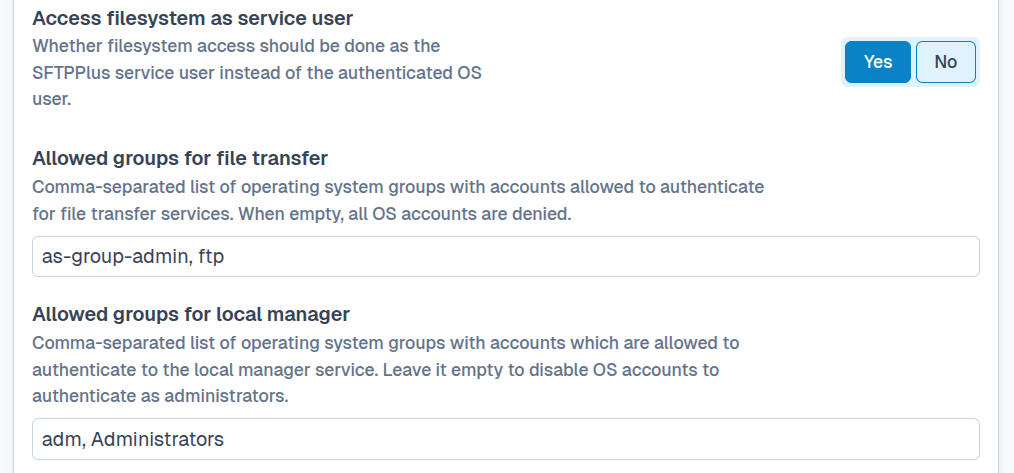
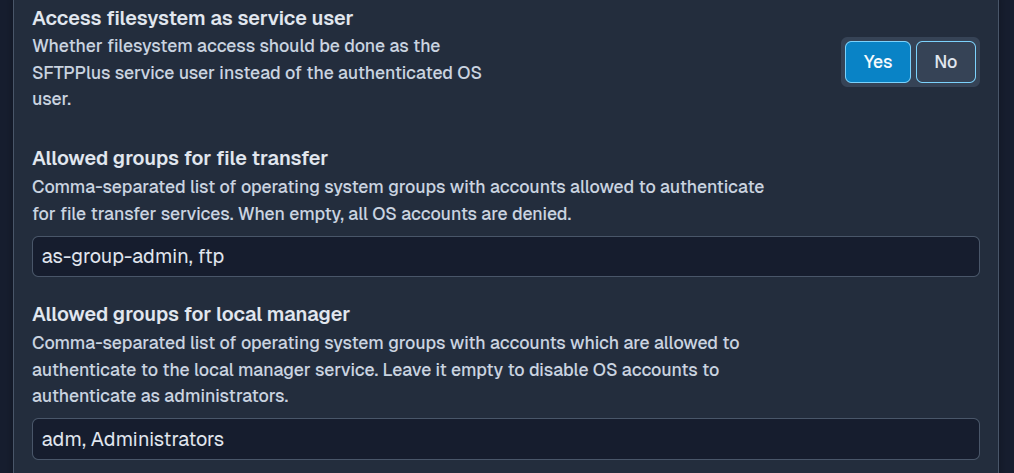
Impersonation preserves existing filesystem permissions and OS-level audit identities. It can strengthen separation between users and supports legacy systems that expect file operations to be performed by a particular OS account.
See the access_filesystem_as_service_user option for configuration details.
Security considerations
OS authentication allows SFTPPlus to reuse the host's password policies, account validity checks, permission controls, and auditing. Administrators should:
- Apply strong password and account policies in the operating system.
- Audit which OS groups and users are allowed to access SFTPPlus.
- Use SFTPPlus groups, virtual folders, and access rules to restrict available files.
- Restrict connections by source IP address where appropriate.
- Configure MFA through the OS authentication system when required.