

HTTP API Endpoint
SFTPPlus can delegate users authentication to external HTTP API endpoints. This allows organizations to integrate their own identity and access management infrastructure.

- Updated
- 2026-10-15
Custom HTTP API authentication in SFTPPlus MFT
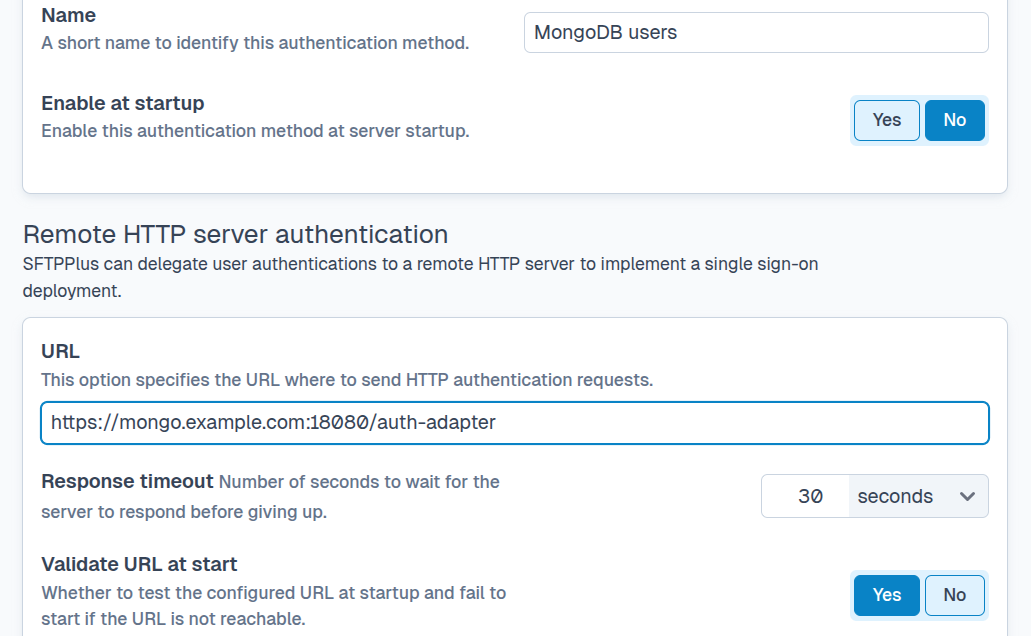
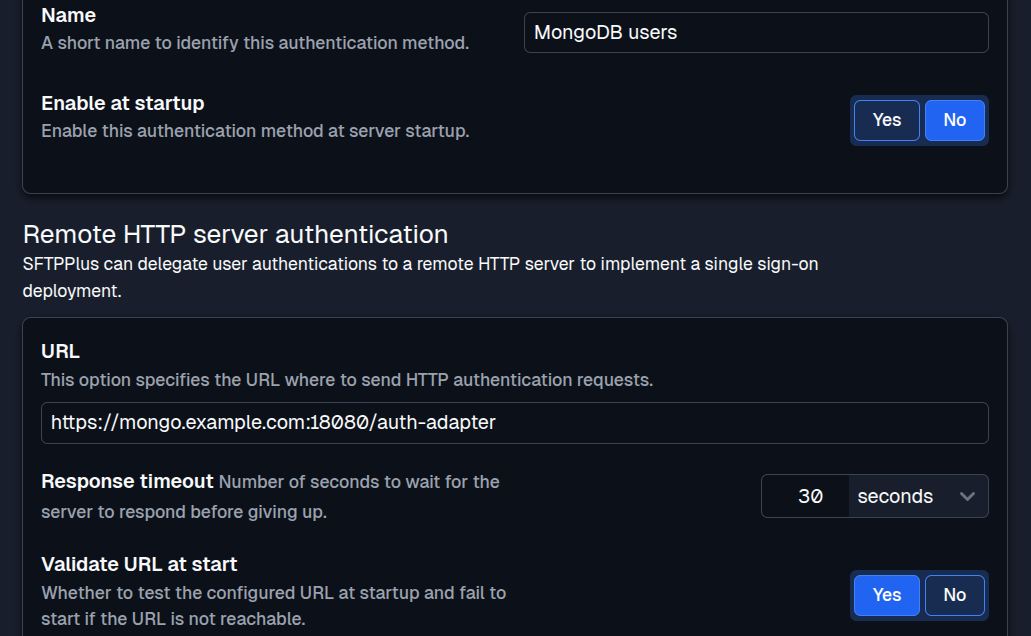
HTTP API authentication is one of the development API options available for extending SFTPPlus MFT. It delegates user authentication to a custom HTTP endpoint, allowing an organization to apply the identity and access rules already used by its applications.
How It Works
You can check our documentation page dedicated to HTTP authentication API for a detailed technical description on how to integrate SFTPPlus MFT and your custom HTTP API endpoint.
When a user attempts to connect to SFTPPlus, the SFTPPlus server sends an HTTP request to the designated API endpoint. This request contains the user's credentials (e.g., username and password or SSH key). The API endpoint, which you must develop and host, is responsible for validating these credentials against your own user database.
The following credentials are supported:
- username & password - For any file transfer protocol
- username & SSH key - Useful for SFTP and SCP users.
- username & TLS certificate - Useful for FTPS or HTTPS users.
The API endpoint's response determines the outcome of the authentication attempt. It can either:
- Reject the authentication: If the credentials are invalid, the API responds with a specific HTTP status code or a defined payload that SFTPPlus interprets as a rejection.
- Authenticate and configure the user: If the credentials are valid, the API responds with a payload containing the configuration details for the authenticated user.
By dynamically generating this configuration on a per-user basis, the HTTP API can provide granular control over user permissions and access levels. This means different users can have vastly different permissions based on their role or group, all determined by the logic in your custom API. For example, a "partner" user might only have read-only access to a specific directory, while an "administrator" might have full read/write/delete permissions across multiple directories.
Control which authentication errors users see
By default, SFTPPlus stores error details returned by the authentication backend only in the SFTPPlus administrative logs. These details are not forwarded to the end user, which prevents internal backend information from being exposed during a failed login.
When an authentication error is safe and useful to show, the backend response can use the public_response key to explicitly provide it. SFTPPlus can display that public response to users signing in through the HTTP service's web browser interface or return it to clients using the programmatic HTTP file transfer API.
Get in touch with our experts for support and consultancy
To learn more about implementing custom HTTP authentication endpoints for your specific environment, contact our support team.
With over two decades of experience, our experts have guided countless organizations in building secure transfer solutions and transitioning from legacy systems to modern micro-service based applications and cloud SSO platforms.
We are ready to help you integrate SFTPPlus with your existing infrastructure and achieve your security and operational goals.