SFTPPlus MFT vs GoAnywhere MFT
Compare deployment requirements, licence and subscription costs, automation, and file sharing features, including where each product is a better fit.
Continue reading


This is a subset of our news articles, filtered by tag.
Compare deployment requirements, licence and subscription costs, automation, and file sharing features, including where each product is a better fit.
Compare licensing, deployment, protocols, automation, security, and recurring costs.

Compare deployment requirements, protocols, automation, and enterprise file transfer features.

Review product capabilities and recurring costs side by side.

Use on-premises Microsoft Active Directory accounts and security groups to control access to SFTPPlus MFT.

SFTPPlus MFT offers seamless integration with Google Identity to implement Single Sign-On (SSO) - not only for end-user file transfer operations but also for administrative access to the platform.
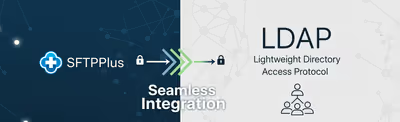
Authenticate file transfer users and administrators against OpenLDAP, Red Hat Directory Server, and other LDAP-compatible directories.
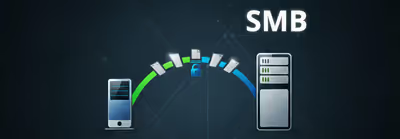
SFTPPlus acts as a client for the standard SMB protocol. From Linux, macOS, or Windows it connects to SMB or Windows Share servers, on-premise or hosted on cloud.

SFTPPlus can delegate users authentication to external HTTP API endpoints. This allows organizations to integrate their own identity and access management infrastructure.

Authenticate SFTP, FTPS, and HTTPS users through an existing RADIUS service, with support for group mapping and multi-factor authentication.