

Publish events to RabbitMQ
Publish selected SFTPPlus MFT audit events to RabbitMQ queues so other applications can react to file transfer activity.

- Updated
- 2026-08-24
SFTPPlus MFT can publish audit events to a RabbitMQ server using AMQP 0-9-1. This lets applications react to file transfers and operational activity without repeatedly polling SFTPPlus.
RabbitMQ is an alternative to an HTTP webhook when an organization already uses a message broker to connect services. It can also buffer notifications until a consumer is ready, separating the file transfer workflow from the application that processes each event.
Notify downstream applications
A RabbitMQ publisher can handle successful uploads or downloads, authentication activity, administrative changes, errors, and other events recorded by SFTPPlus. Filters can select events by ID or group and can narrow them by account, component, server, source address, or attached event data.
A typical workflow is:
- A partner uploads a file to SFTPPlus using SFTP, FTPS, or HTTPS.
- SFTPPlus records the successful upload in its audit trail.
- The RabbitMQ event handler publishes a message to the configured exchange and routing key.
- A downstream application consumes the message and starts its own validation, import, or notification process.
The routing key can be the name of a queue in a simple RabbitMQ configuration. For larger deployments, an exchange can route different SFTPPlus events to separate consumers.
Publish event metadata, not file content
The RabbitMQ message contains metadata from the SFTPPlus event. Depending on the event, this can include the event ID, message, timestamp, account, remote address, component, file path, and transfer details. A configurable payload template controls which values are published and how the message is formatted.
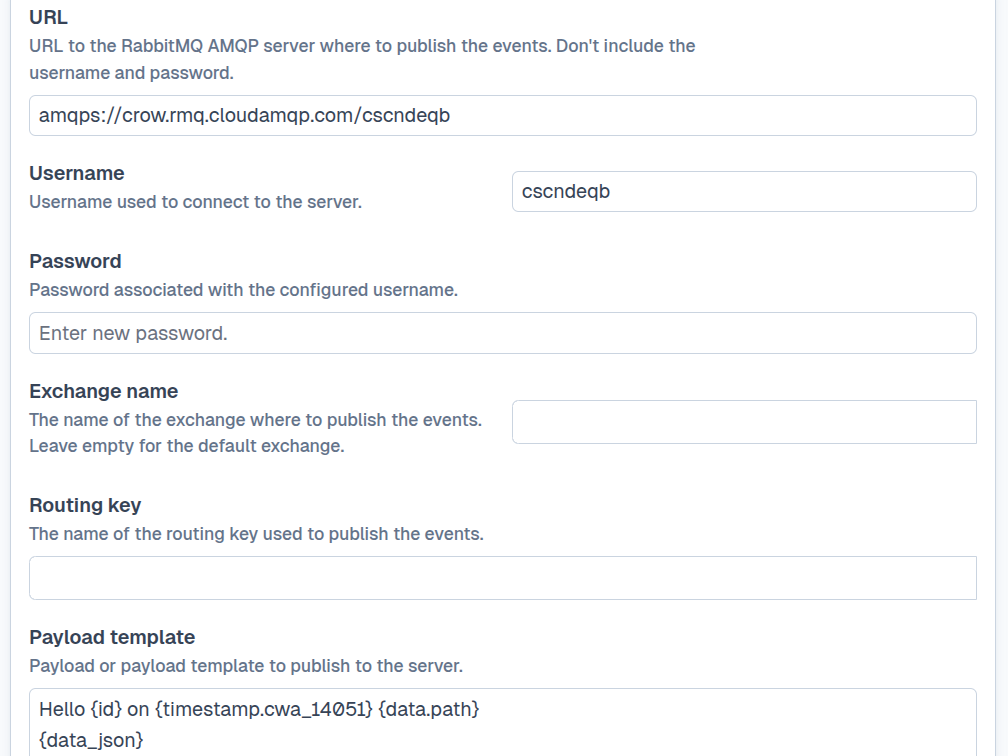
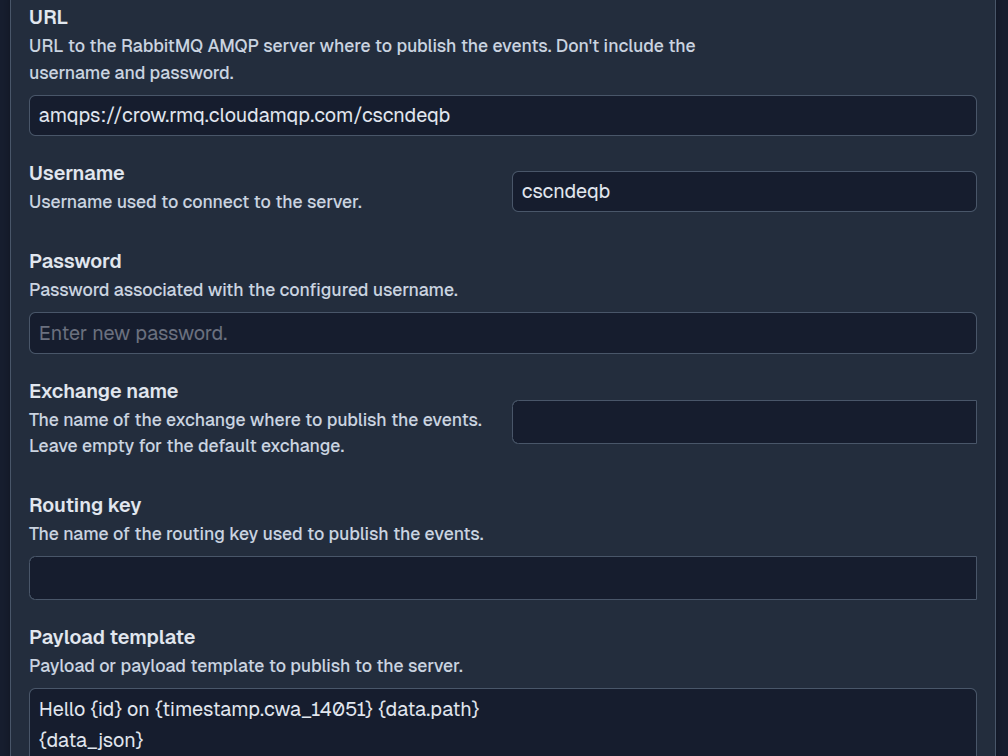
The file content is not sent to RabbitMQ. Keeping payloads limited to metadata makes notifications small and leaves file delivery with the managed transfer protocol configured for the workflow. The consuming application can use the event details to locate or request the file when it is ready to process it.
Protect and operate the broker connection
SFTPPlus supports both amqp and encrypted amqps connections. For TLS connections, administrators can validate the RabbitMQ server certificate and configure mutual TLS when the broker requires a client certificate.
Configurable retry intervals let the publisher recover from a temporary broker outage. An error limit can stop the handler after repeated failures so that the problem remains visible to administrators instead of retrying indefinitely.
See the RabbitMQ publisher documentation for filtering, exchange, routing key, payload template, retry, and TLS options.