

Archive and retain transferred files
Archive transferred files locally or remotely, preserve repeated file names with timestamps, and automatically remove files after their retention period.
- Updated
- 2026-08-05
Delivering a file is often only one part of its lifecycle. The active source copy might need to be removed after delivery while an archive remains available for audit, investigation, or recovery.
SFTPPlus MFT can automatically archive transferred files and apply data retention policies. This keeps storage organized, supports data management requirements, and avoids relying on separate cleanup scripts or unmanaged backups.
Archive successful and failed transfers
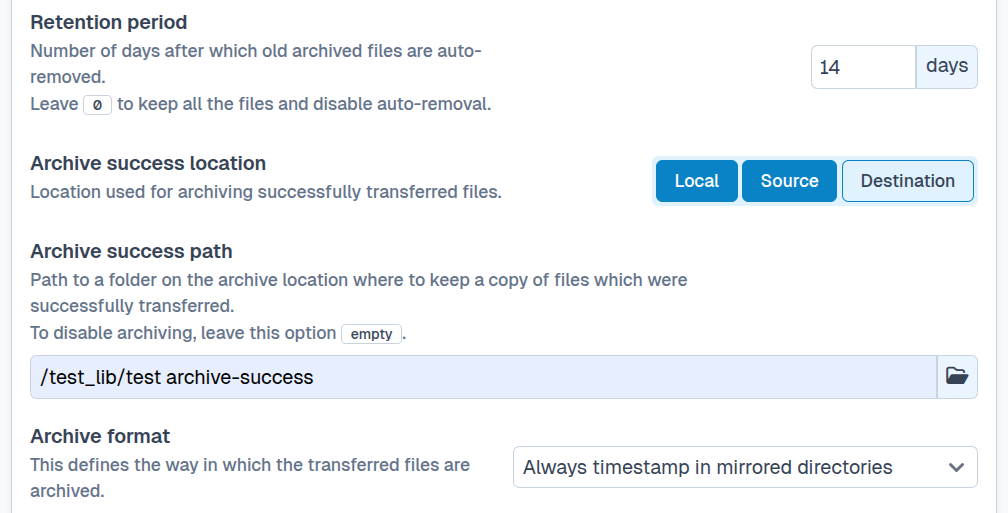
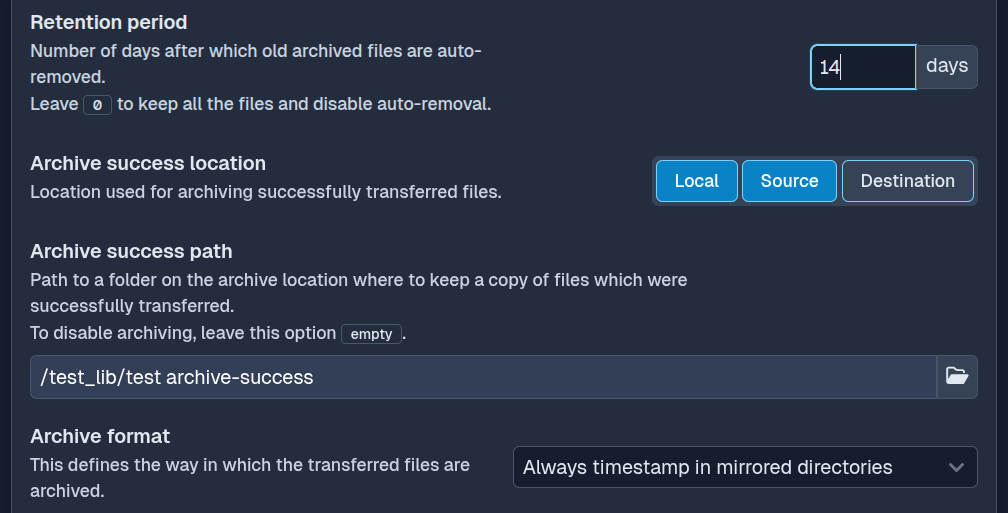
Client-side transfers can use separate archive paths for successful and failed files. This keeps completed files apart from files that need investigation or another transfer attempt.
For a successful transfer, SFTPPlus can follow a safe sequence:
- Transfer the file to its destination.
- Transfer the same source content to the configured archive location.
- Delete the original source file only after archiving succeeds, when source deletion is enabled.
If delivery or archiving fails, SFTPPlus does not delete the source file. The original remains available for a later retry or for an administrator to investigate.
Archive to local or remote storage
The file being archived comes from the transfer source, whether that source is a local directory, SFTP server, SharePoint Online library, cloud storage location, or another supported location. SFTPPlus reads the source content again and writes a copy to the configured archive.
The archive can be on the local filesystem or at a remote location. Most SFTPPlus location types that support writing can store archived files. A small number cannot provide the required operations because of limits in their underlying transfer protocols. The Web Manager only presents locations that support the archive operation.
Apply archiving to server and client transfers
Archiving is available for both server-side and client-side file transfers.
On the server side, SFTPPlus can archive a file after a remote SFTP, FTPS, or HTTPS client downloads it. On the client side, it can archive source files after uploading them to a remote server or downloading them to local storage.
This allows the same archiving and retention rules to cover files exchanged with users, automated partners, and remote storage systems.
Preserve every version of a repeated file
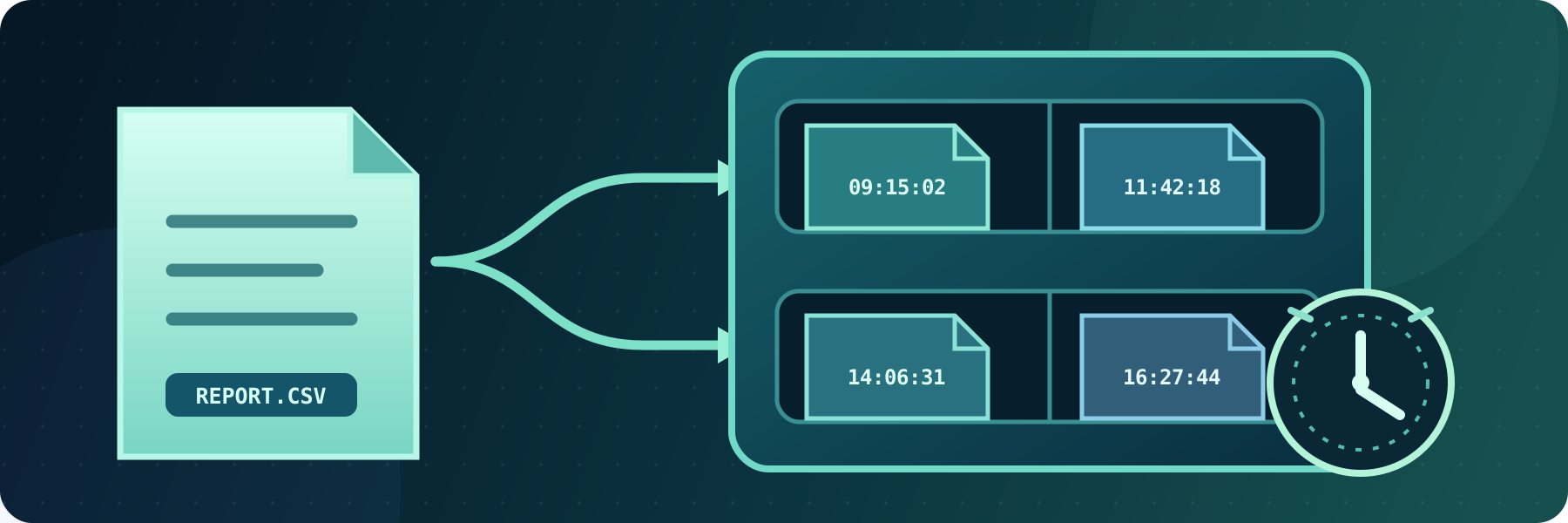
Business systems often publish the same file name repeatedly, such as daily-report.csv, while changing its content each day. SFTPPlus can add a unique timestamp to each archived file name so that a newer transfer does not overwrite an earlier copy.
The archive preserves the exact content delivered during each transfer, even when the source name never changes. Timestamp placeholders can also organize files into folders by year, month, or day.
Limit archive storage with retention policies
An archive should not grow without limits. Set a retention period and SFTPPlus will automatically delete files that have remained in the archive beyond that period.
Archive creation and retention cleanup generate events in the SFTPPlus audit trail. These records show when a file was archived and when an older copy was removed.
The transfer configuration documentation describes archive paths, timestamp formats, compatible locations, and retention settings.