

Create and extract archives
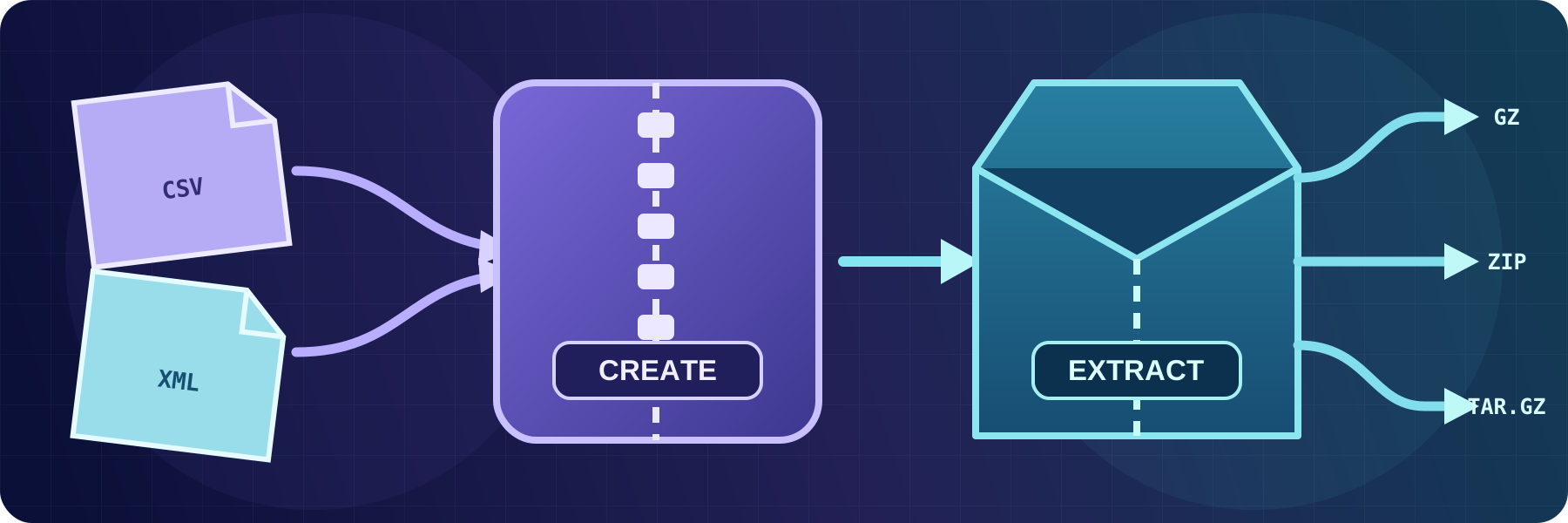
Compress files into GZIP or ZIP archives and automatically extract GZIP, TAR, TAR.GZ, TAR.BZ2, or ZIP content, including password-protected ZIP files.
- Updated
- 2026-08-03
Automated file exchanges often use archives to reduce file size or keep a related set of files together. The receiving workflow then needs the original files before it can process them.
SFTPPlus MFT can create and extract archives with event handlers, making them available for both server-side and client-side transfers. These actions run as part of the managed file transfer workflow, without an external compression script or a separate scheduled task.
Extract incoming archives
The extract-archive event handler can unpack:
- GZIP files
- TAR, TAR.GZ, and TAR.BZ2 archives
- ZIP archives
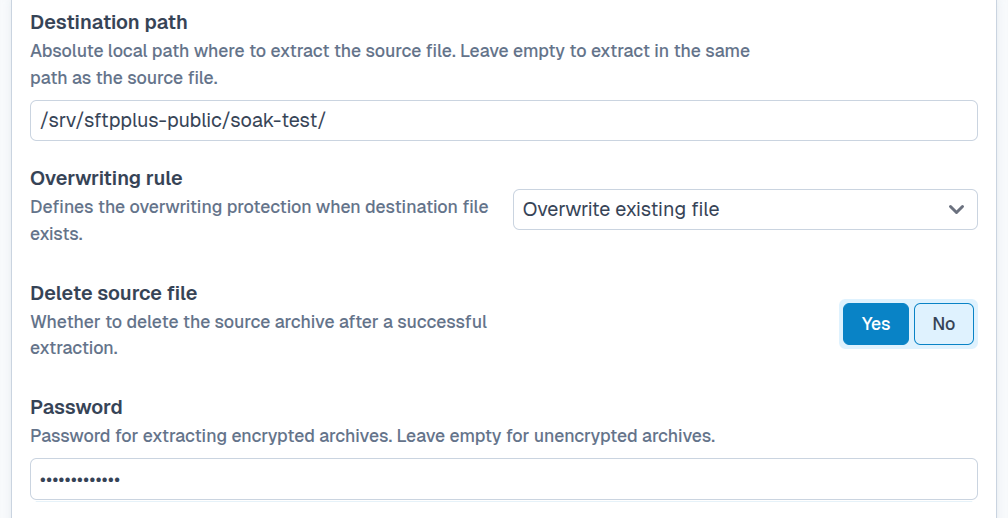
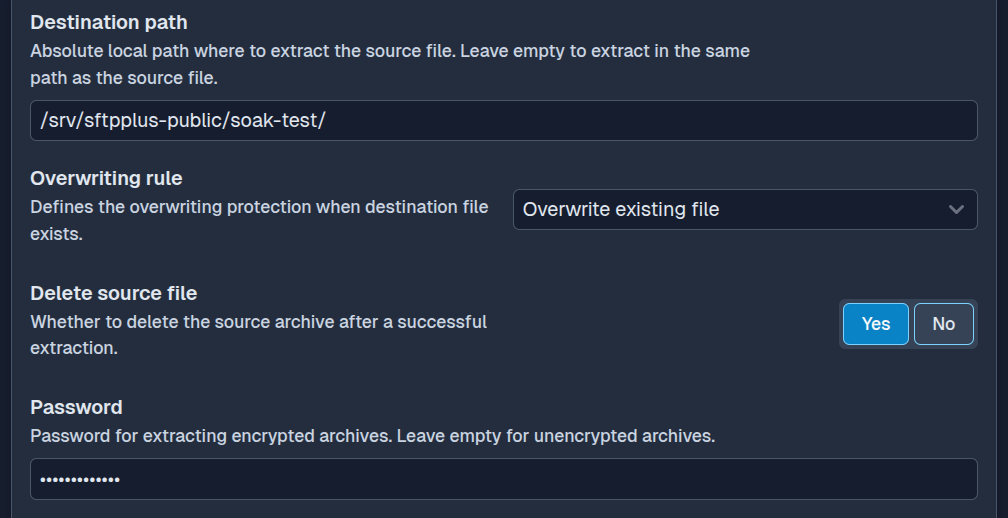
It can run after SFTPPlus receives or transfers a file, then place the extracted content in a configured destination directory. The handler can keep the original archive or delete it only after extraction succeeds.
If an extracted file already exists, the configured overwrite rule decides whether extraction fails, skips that file, or replaces it. See file overwrite protection for the available policies and their audit behaviour.
ZIP archives can be protected with a password. SFTPPlus supports the legacy ZipCrypto method and WinZip AES encryption, including AES-128, AES-192, and AES-256. This allows automated workflows to receive encrypted ZIP archives from partners that cannot use a managed file transfer protocol for content encryption.
Create archives for delivery
The create-archive event handler can create GZIP or ZIP files. GZIP compresses each source file into a separate .gz file. ZIP can combine one or more source files into a single archive.
Archive names can include the original file name and date or time values. For example, a workflow can collect several daily reports in a ZIP file named for the processing date before delivering it to a partner.
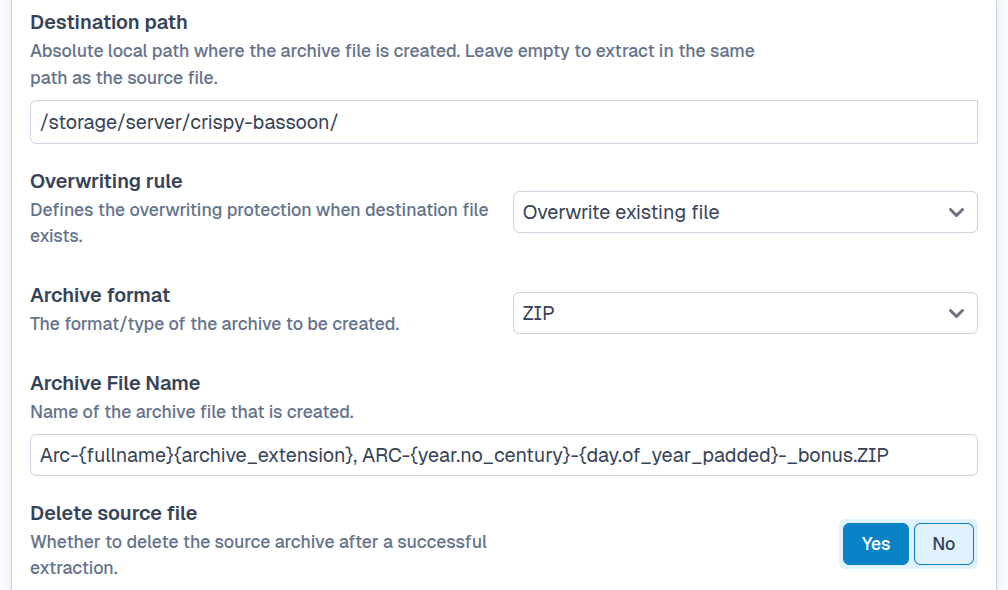
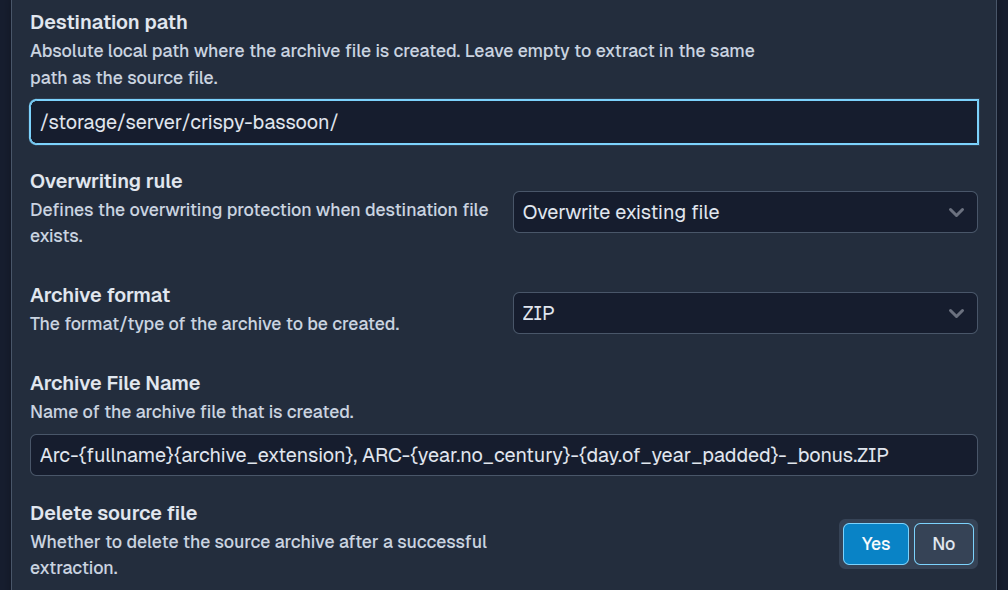
Source files can remain in place or be deleted after the archive is created successfully. If archive creation fails, SFTPPlus keeps the source files so that they are not lost. Archive creation also uses an overwrite rule when its output name already exists.
Build an archive workflow
Archive handlers receive SFTPPlus events, so they can be limited to a particular transfer, service, account, or folder. A typical inbound workflow can:
- Receive a password-protected ZIP archive.
- Extract its files into a processing directory.
- Transfer the extracted files to their final destination.
- Archive or remove the original ZIP file after successful processing.
For an outbound workflow, SFTPPlus can collect files attached to an event, create one ZIP archive, and pass the new archive to another transfer or event handler.
See the create archive documentation and extract archive documentation for matching rules, naming options, overwrite behavior, and cleanup settings.