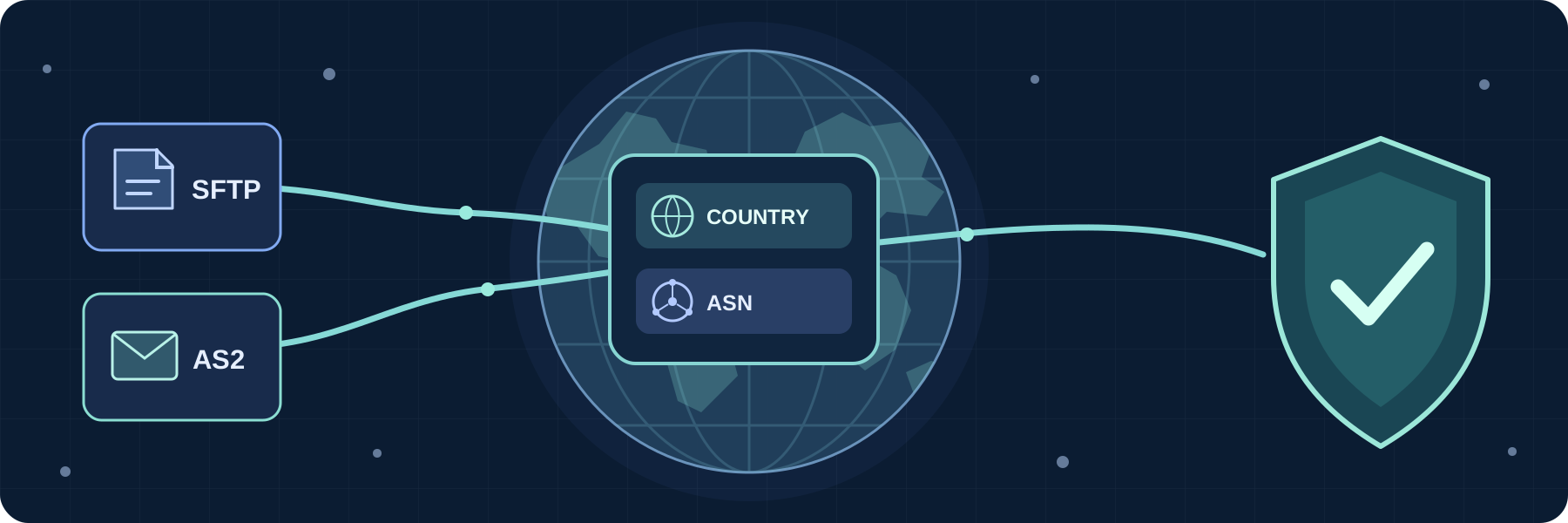
GeoIP filtering for file transfers
Control incoming file transfer access by the country or autonomous system associated with a source IP address, with rules for services and partners.
Continue reading


Practical guides for connecting business systems and automating file transfers with SFTPPlus MFT.
Control incoming file transfer access by the country or autonomous system associated with a source IP address, with rules for services and partners.

Tune SFTP client and server performance in one managed file transfer product. SFTPPlus MFT lets you configure SSH receive windows and packet sizes for server uploads, and payload lengths for automated client transfers, to suit each connection.
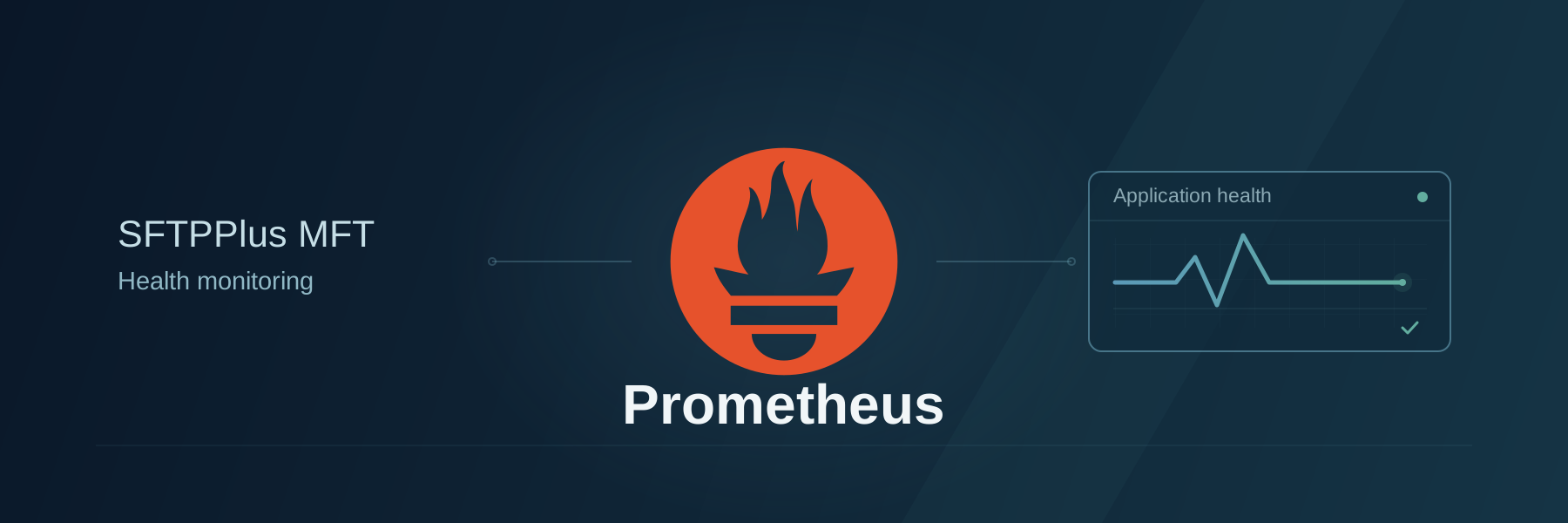
Use SFTPPlus MFT's built-in Prometheus endpoint for file transfer application health checks, with metrics for your existing dashboards and alerts.
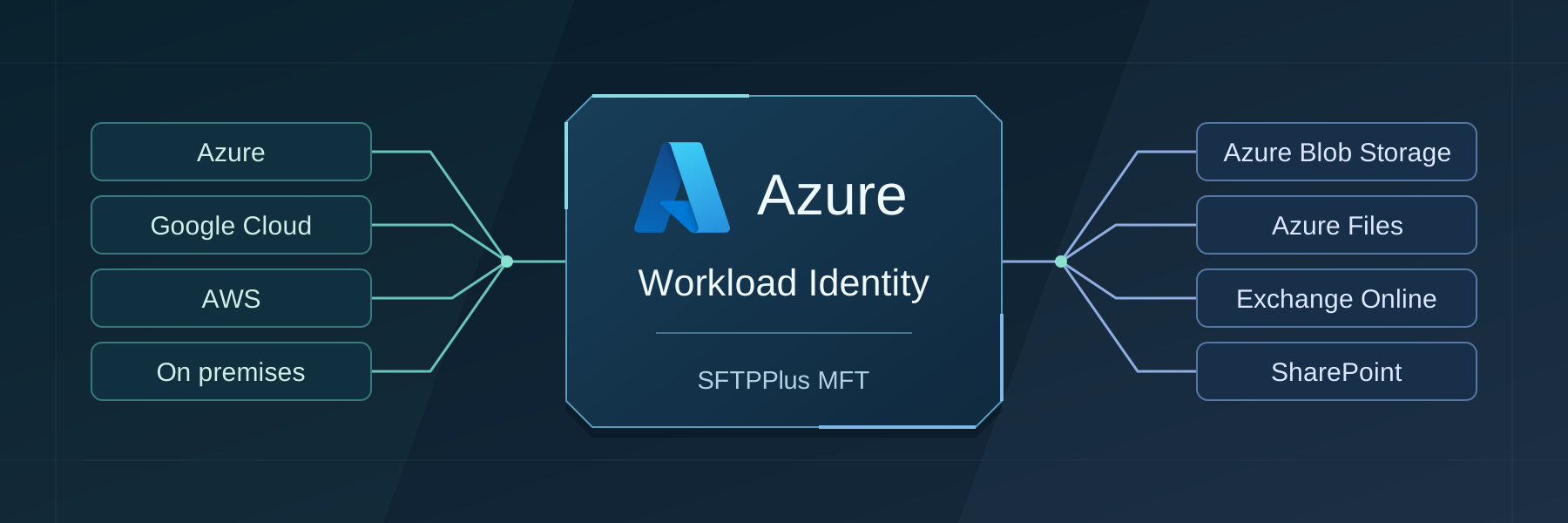
Connect to Azure Blob Storage, Azure Files, Exchange Online, and SharePoint Online without storing client secrets or storage access keys in SFTPPlus MFT. Use the identity of your Kubernetes workload, whether it runs in Azure, Google Cloud, AWS, or on premises.

Assess where SFTPPlus MFT can replace IBM MQ Managed File Transfer, decide which MQ workflows to retain, and plan a gradual migration.
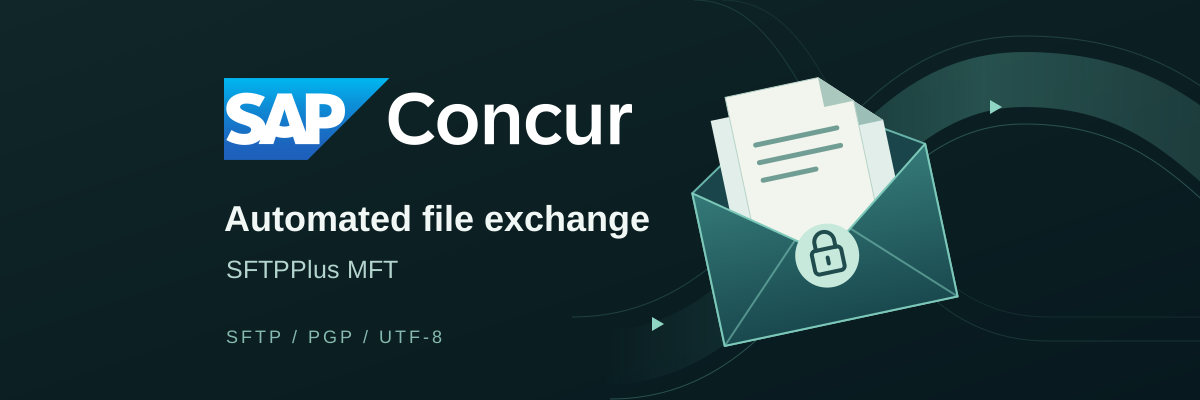
Exchange files with SAP Concur using automated SFTP transfers. SFTPPlus MFT handles SSH key authentication, text encoding conversion, and PGP encryption and decryption.

Configure SFTPPlus MFT to trust your corporate proxy's certificates when using Microsoft Entra ID with tenant restrictions v2.

Access every Web Manager operation from your applications and scripts through the full SFTPPlus MFT JSON-RPC administration API.

Automate file transfers between SFTP and SharePoint Online. Connect partner file exchanges and business systems to your document libraries, with scheduling, transfer logs, and support for your evaluation.

Connect SFTPPlus MFT to RSA Authentication Manager over RADIUS to add RSA SecurID tokens to domain logins or let RSA validate both factors.